How to Use Updates Settings
This topic describes the various options under the Updates section of the Scans Settings page in Spirion Sensitive Data Platform.
Use the following steps to use the Updates settings:
- From the left side navigation menu, click Settings > Application Settings > Scans Settings.
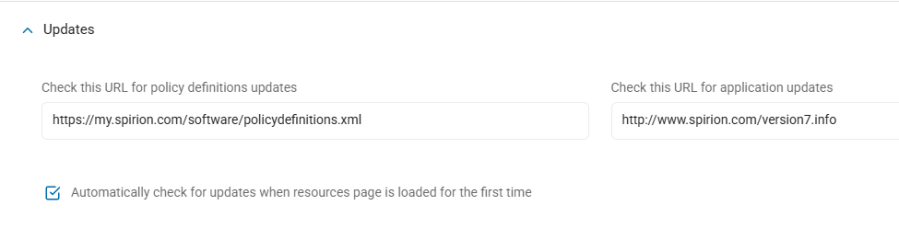
- Click the down arrow to expand the Updates section.
- Check This URL for Policy Definitions Updates: Enter the URL that hosts your Policy Definitions.
- Check This URL for Application Updates: Enter the URL that hosts your Application Updates.
- Automatically Check for Updates When Resources Page is Loaded for the First Time: Select, if applicable.