How to Search for a Data Type
To search for a Data Type use the following steps:
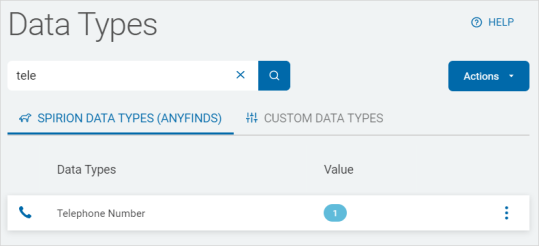
- From the Spirion Data Types tab:
- Type a Data Type in the search box.
- The results are displayed in the list below.
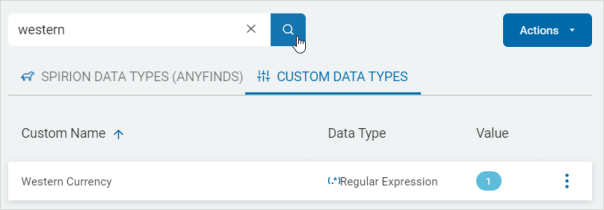
- On the Custom Data Types tab:
- Type a Custom Name or Data Type in the search box.
- Click the magnifying glass icon or Enter on your keyboard.
- The results are displayed in the list below.