
How to Make Changes to a Report
Use the following steps to make changes to an existing Report:
- From the left side navigation menu select Reports > Custom Reports.
- The Custom Reports page opens. The CUSTOM REPORTS tab is selected by default.
- In the list, locate the Report you want to edit.
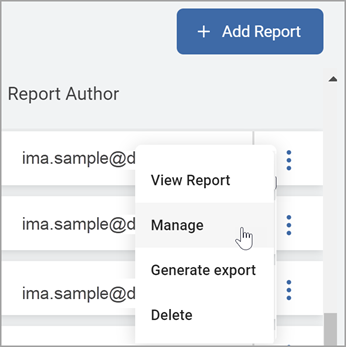
- On the far right of the report line, hover over the more options menu.
- Click Manage from the sub-menu that appears.
- The Edit Report dialog displays.
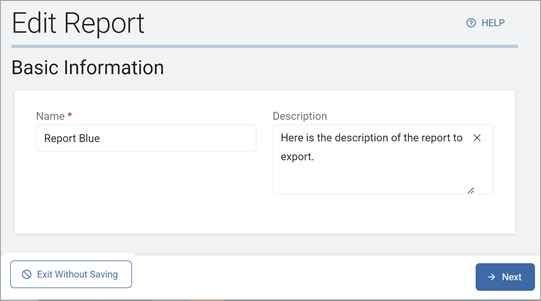
- Using the Next and Previous buttons to navigate, make required changes on each page.
- Click the Finish & Save button to save your changes or Exit Without Saving button to discard.