How to Export Classifications
Use the instructions in this topic to export classifications.
To export your Classifications use the following steps:
- From the left side navigation menu select Settings > Global Classifications.
- The Classifications page opens.
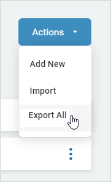
- Click the blue Actions button from the top right corner.
- Click Export All.
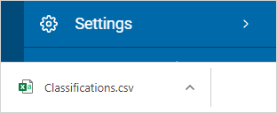
- The .csv file is downloaded to your local computer.