How to Export a List of Users
Use the following steps to export a list of users:
- On the User Management page ensure the USERS tab is selected.
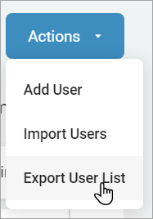
- In the top right of the screen, click the blue Actions button.
- Click Export User List.
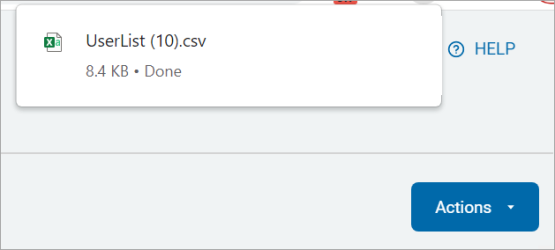
- The exported user list displays on the top of the page. Click it to open and check the details.