
How to Edit a Target
Edit a Target
Procedure:
- From the left side navigation menu select Data Asset Inventory > Data Assets and Targets.
- Select the TARGETS tab from the top of the page.
- Locate the Target you want to edit in the list.
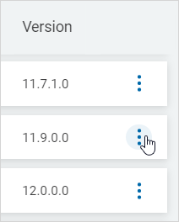
- On the far right of the row, click the more options menu.
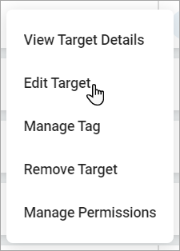
- Click Edit Target.
- In the edit pop-up window, make needed changes.
For example: - Update the Connection String for the SQL Server Database Target:
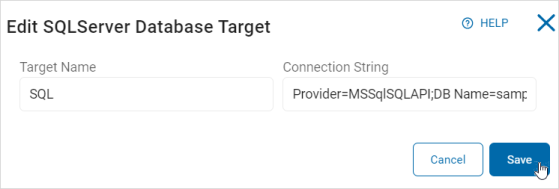
- Update the Connection String for the SQL Server Database Target:
- Edit the details of a Remote Connection:
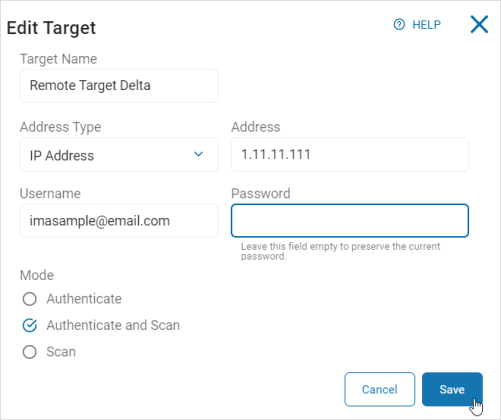
- Edit the details of a Remote Connection:
- Click Save to save changes or Cancel to discard.
- A toast message is displayed showing a successful update.
