
How to Assign Tags to an Agent
Use the steps in this article to assign one or more Tags to an Agent.
How to Assign Tags to an Agent
Recall, an Agent can act as a Target. In the steps below, Agents are referred to as Targets.
To assign one or more Tags to an Agent use the following steps:
- From the left side navigation menu select Agents.
- The Agent Management page opens.
- Locate the Agent you want to assign a Tag(s).
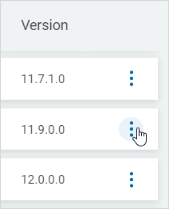
- On the far right of the row, click the more options menu.
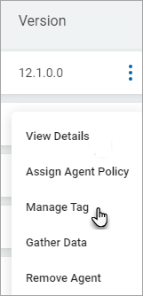
- Click Manage Tag.
- In the Assign Tag pop-up window, select the Tags to add to this Agent (referred to as a "Target" in this dialogue.
- Click the down arrow to expand a Tag section.
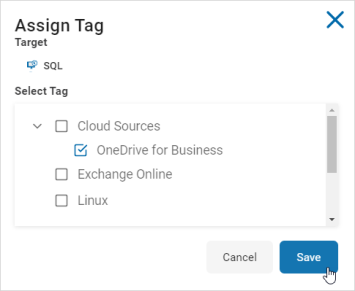
- Click Save to save changes or Cancel to discard.