
How to Edit Displayed Result Types
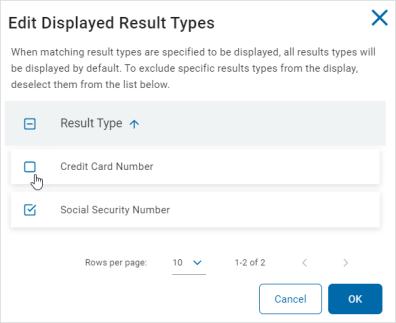
When matching result types are specified to be displayed, all results types will be displayed by default.
- To exclude specific results types from the display use the following steps:
- Click Configure Display Types.
- Deselect the specific results you want to exclude.
- Click OK to save or Cancel to discard.
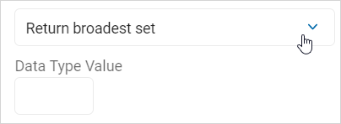
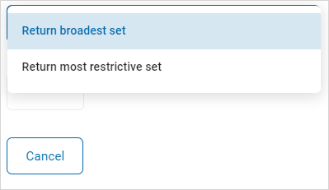
- Select an option from the restriction drop-down list.
- Data Type Value: Use the numeric up-down control to set a value.
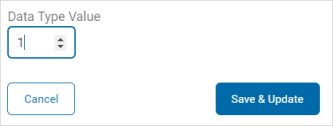
- Click Save & Update to save the changes or click the x in the top right of the window to discard.