How to Use the Ignore List (Ignored Locations or Ignored Matches)
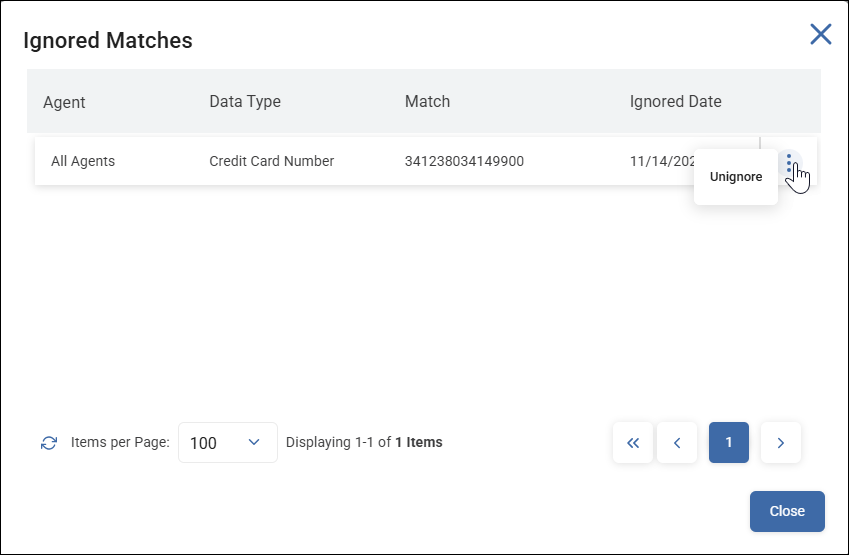
From the Scans Results page you can unignore locations (files which contain scanned sensitive data matches) or specific sensitive data matches.
Use the following steps to access the Ignore List:
- From the left side navigation menu select Scans > Scan Results.
- Set the options as desired and click the blue Find Scan Results button.
- The Scan Results page opens.
- Click the Actions button in the top right corner and select View Ignored Locations or View Ignored Matches.
- The Ignored Matches (or Ignored Locations) window opens.
- Globally ignored matches have an N/A in the Agent column. For more information on Global Ignore Lists, see the "Global Ignore Lists" topic.
- Matches can be unignored as needed.