
How to Search for a User
Use the following instructions to search for a user:
- From the left side navigation menu navigate to the User Management page (Settings > User Management).
- Select the USER ROLES tab at the top of the page.
- Enter any of the following user criteria in the search field:
- First Name
- Last Name
- Email Address
- The results are sorted and displayed in the table below.
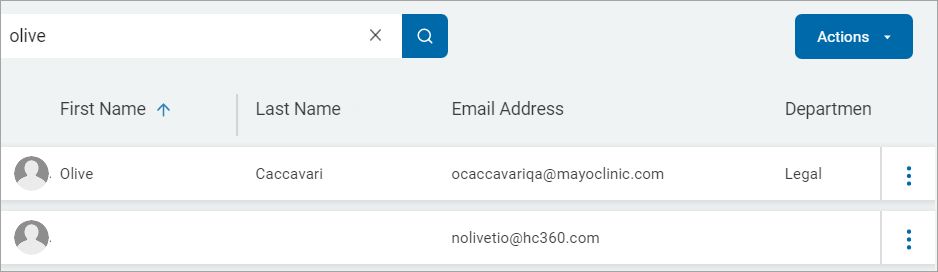
- Click the x to clear a search term.