How to Delete a Custom Data Type
To delete a Custom Data Type use the following steps:
- Ensure you are on the CUSTOM DATA TYPES tab.
- Locate the Custom Data Type you want to delete.
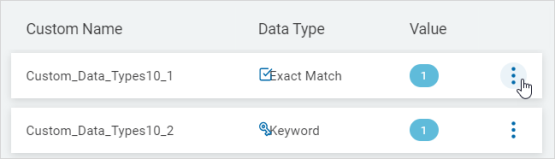
- On the far right of the row, click the more options menu.
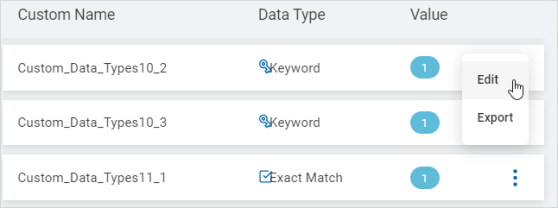
- Click Edit.
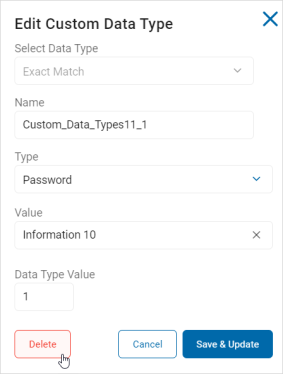
- In the Edit Custom Data Type pop-up window, click Delete.
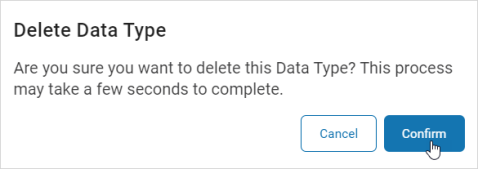
- In the Delete Data Type pop-up window, click Confirm to permanently delete the Data Type or Cancel to discard.