How to Delete a Classification
This topic describes how to delete a classification from the Settings > Global Classifications page.
Note: If you attempt to delete a classifcation that is being used by scan playbook(s), you must remove the classification from the scan playbook(s) before you can delete it.
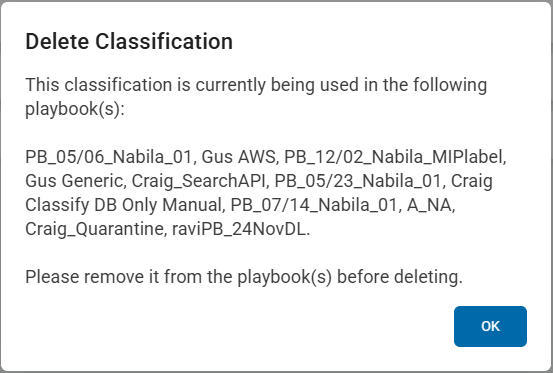
Use the following steps to delete a classification (Spirion-provided classifications cannot be deleted):
- From the left side navigation, select Settings > Global Classifications.
- The Classifications page appears displaying a table of classifications with with multiple tabs.
- Locate the Classification you want to edit in the list.
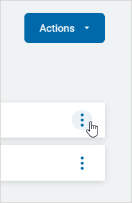
- On the far right of the Classification's row, click the more options icon.
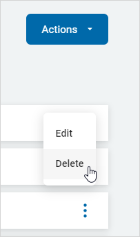
- Click Delete.
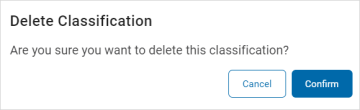
- In the Delete Classification pop-up window, click Confirm to delete the Classification or Cancel to discard.