How to Delete a Data Asset
This article describes how to delete an Asset from Spirion Sensitive Data Platform.
Use the following steps to delete a Data Asset from the table on the Data Assets and Targets page:
- Locate the Data Asset you want to delete in the table.
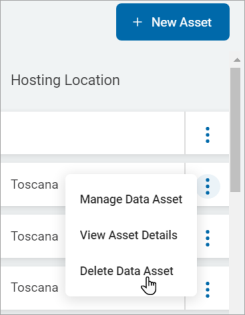
- On the right end of the row, click the More options menu.
- Click Delete Data Asset from the sub-menu that appears.
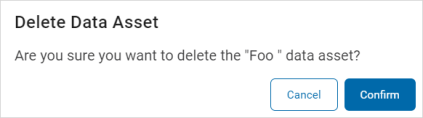
- Click the Confirm button to delete the asset or the Cancel button to discard.