What Version is My Spirion Sensitive Data Platform?
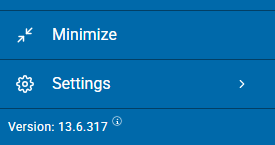
In the Spirion Sensitive Data Platform user interface, at the bottom of the left side navigation menu, under Settings, is the version of the program you are using.
See the screenshot below (version is 13.6.317):
Where Do I Find Release Notes?
Spirion Sensitive Data Platform release notes can be found in three places within the user interface, described below:
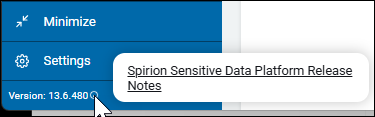
Tooltip
The tooltip next to the Release Notes version provides a direct link to the latest Spirion Sensitive Data Platform Agent and Console release notes as well as pervious versions.
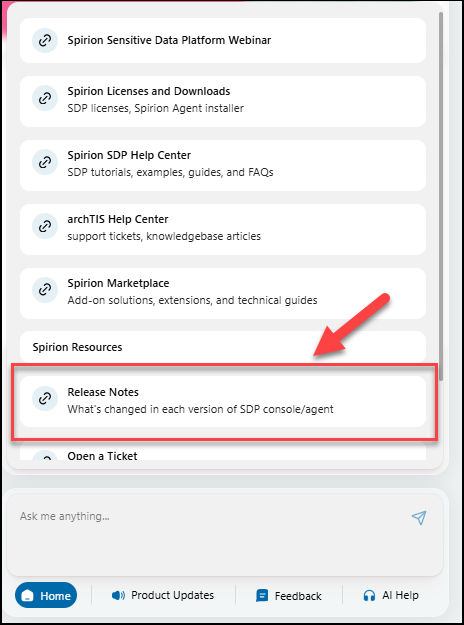
Help Widget Entry
Release notes are available from the entry in the Help widget in the bottom right corner of Spirion Sensitive Data Platform:
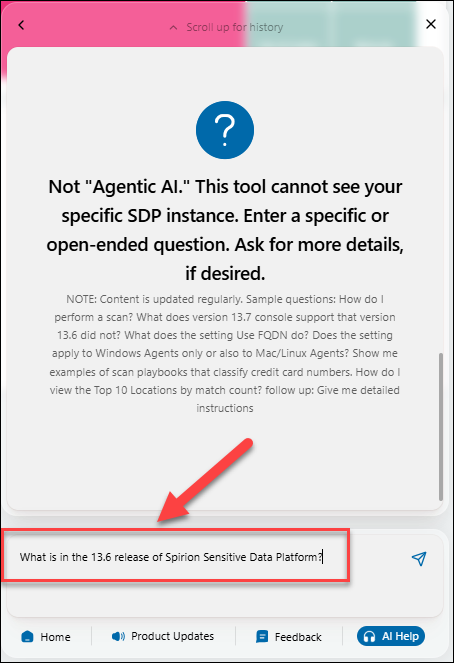
Ai Bot
You can ask generic or specific questions about release notes from Help widget in the bottom right corner of Spirion Sensitive Data Platform: