
How to Import Classifications
Use this topic to import classifications into Spirion Sensitive Data Platform.
Note: The Classification .csv file you upload must contain the following columns
Column Name | Validation of content |
|---|---|
Classification Name |
|
GUID |
|
Icon |
|
Color |
|
Weight |
|
Note: If a GUID being uploaded as part of your CSV file matches an existing Classification GUID, the upload is rejected. If a classification name to be imported already exists, the Classification Name is renamed to include a timestamp: [name_n] [name_timestamp]
- For example, TopSecret_timestamp
To import a Classification use the following steps:
- From the left side navigation menu select Settings > Global Classifications.
- The Classifications page opens.
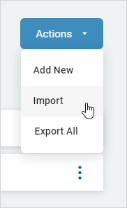
- Click the blue Actions button from the top right corner.
- Click Import from the sub-menu that appears.
- Locate the new Classification file (.csv) on your local computer.
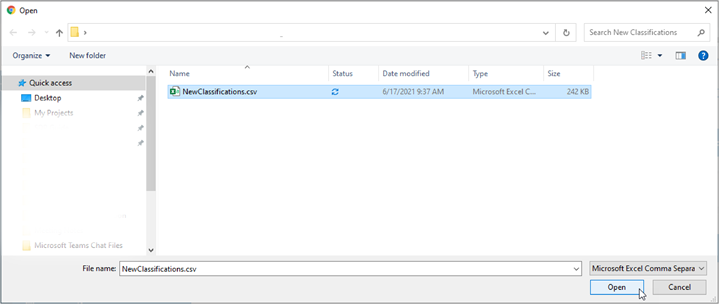
- Click Open to upload.