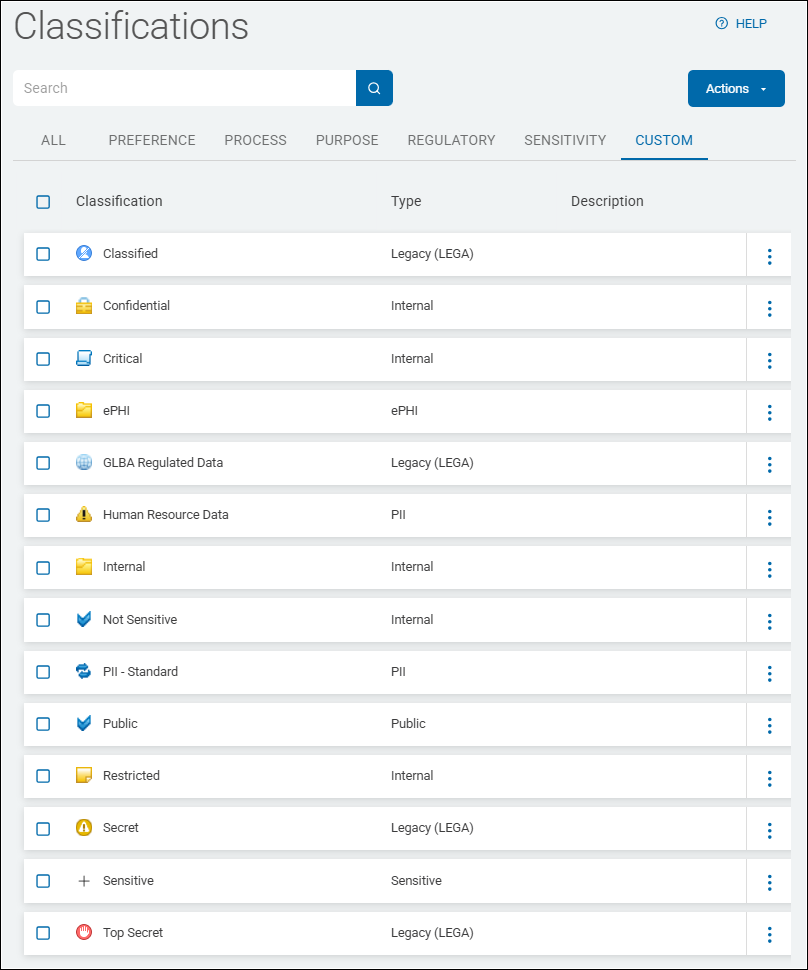
Examples of Various Classification Label Types
In the Spirion Sensitive Data Platform (SDP), classification labels are used to mark and govern data based on its sensitivity. While customers can create any custom labels they need, they typically follow established security frameworks or regulatory requirements.
Commonly used classification labels include the following:
1. Standard Sensitivity Tiers (Out-of-the-Box)
Most organizations start with a 3 or 4-tier model to align with internal security policies:
- Top Secret / Highly Confidential: For the most sensitive data (for example, trade secrets, executive-level strategy).
- Confidential: For data that requires protection but isn't "Top Secret" (for example, employee records, internal financial reports).
- Restricted / Internal Use: For data intended only for employees but with lower risk if exposed.
- Public: For data that has no sensitivity and can be shared outside the organization.
2. Regulatory & Compliance Labels
Customers often create labels that map directly to the regulations they must follow:
- PCI / PCI-DSS: For files containing credit card numbers or cardholder data.
- HIPAA / PHI: For Protected Health Information or medical records.
- GDPR / PII: For Personal Identifiable Information related to EU citizens.
- CCPA: For data subject to the California Consumer Privacy Act.
- SOX: For financial data subject to Sarbanes-Oxley audits.
3. Departmental or Project-Specific Labels
Larger organizations may use labels to identify data ownership or specific high-risk projects:
- HR-Sensitive: For payroll, performance reviews, and hiring documents.
- Legal / Attorney-Client: For privileged legal communications.
- Finance: For tax documents and audit workpapers.
- Project [Codename]: For proprietary research or pre-release product info.
How these labels are applied
Spirion can apply these labels in three primary ways:
- MIP Labels: Integrating directly with the Microsoft Information Protection ecosystem to apply labels that Microsoft Office and other tools recognize.
- In-Content Classification: Writing the classification directly into the metadata of M365 files.
- NTFS ADS: Writing the classification to the Alternate Data Stream of a file on a Windows server, which tags the file without changing its primary content.
Recommendations
When setting up classification, best practice is a "Crawl, Walk, Run" approach:
- Crawl: Use "Notify" actions first to see what would have been classified.
- Walk: Apply "Internal Use" or "Public" labels to low-risk data.
- Run: Automate "Confidential" or "Restricted" labels for high-confidence matches (like Social Security numbers or Credit Card numbers) using Scan Playbooks.
Out-of-the-Box Classification Label Types
See below for examples of the following Classification label types:
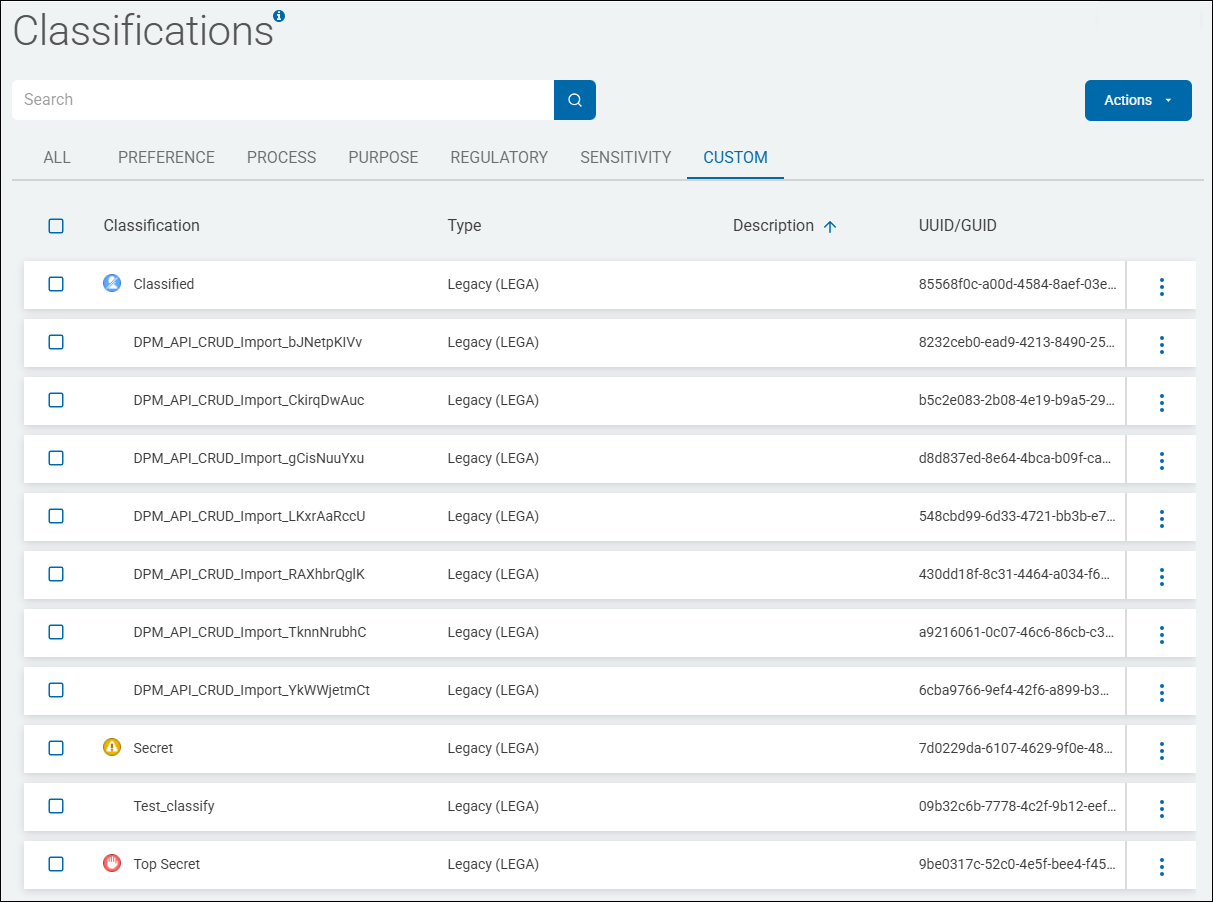
- LEGA - Legacy
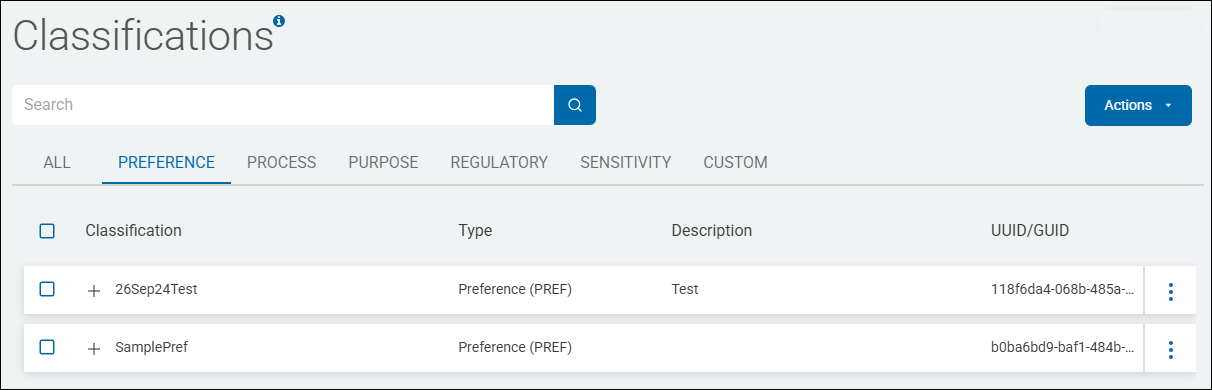
- PREF - Preference
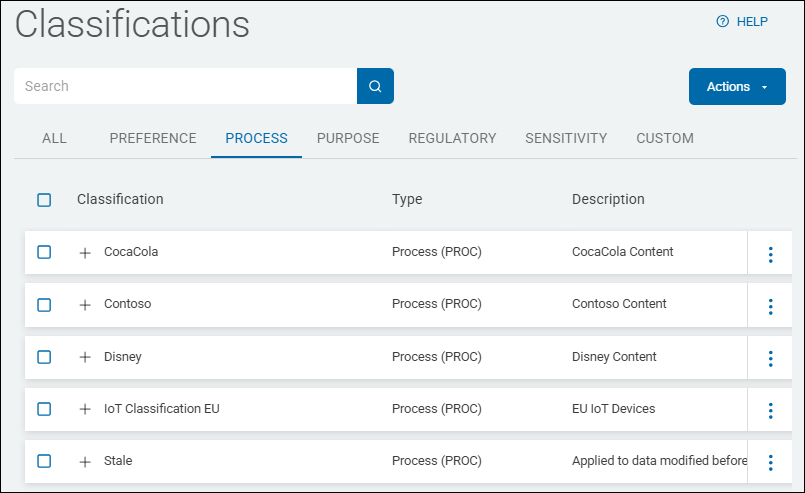
- PROC - Process
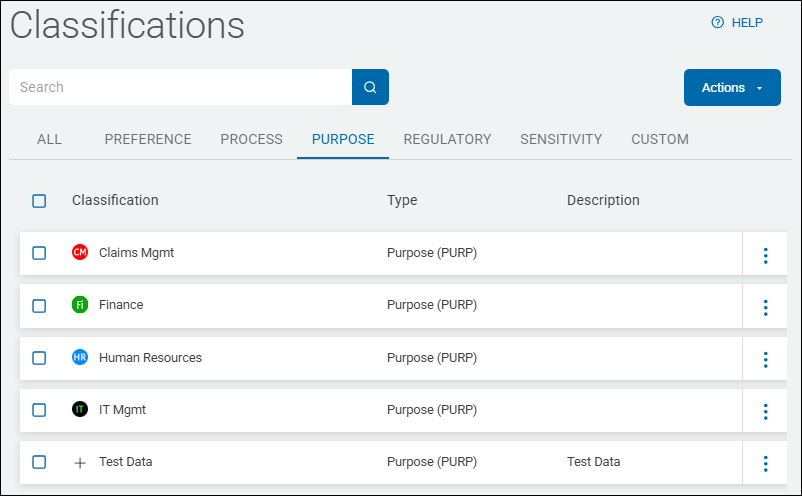
- PURP - Purpose
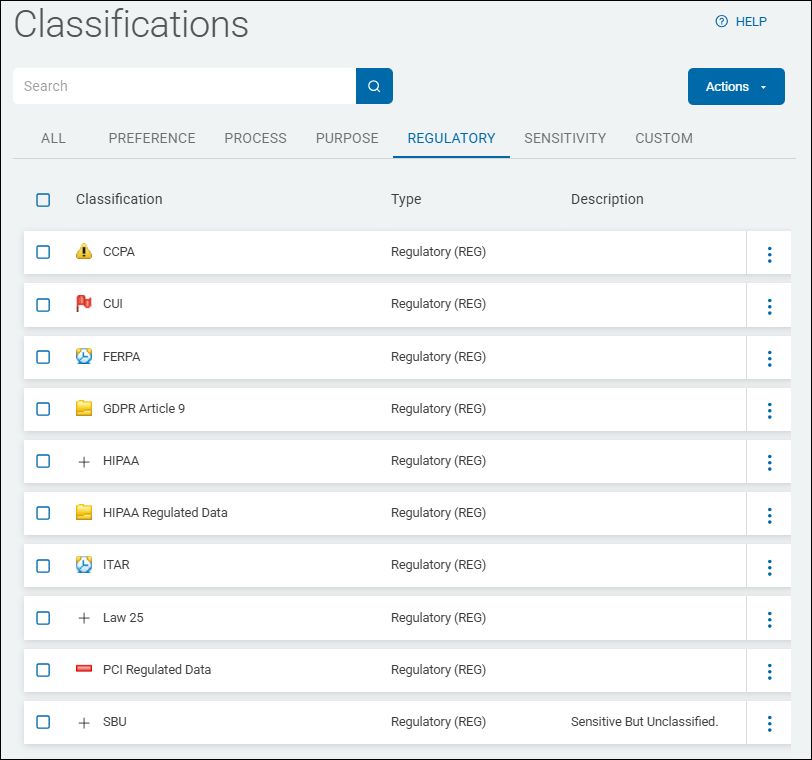
- REG - Regulatory
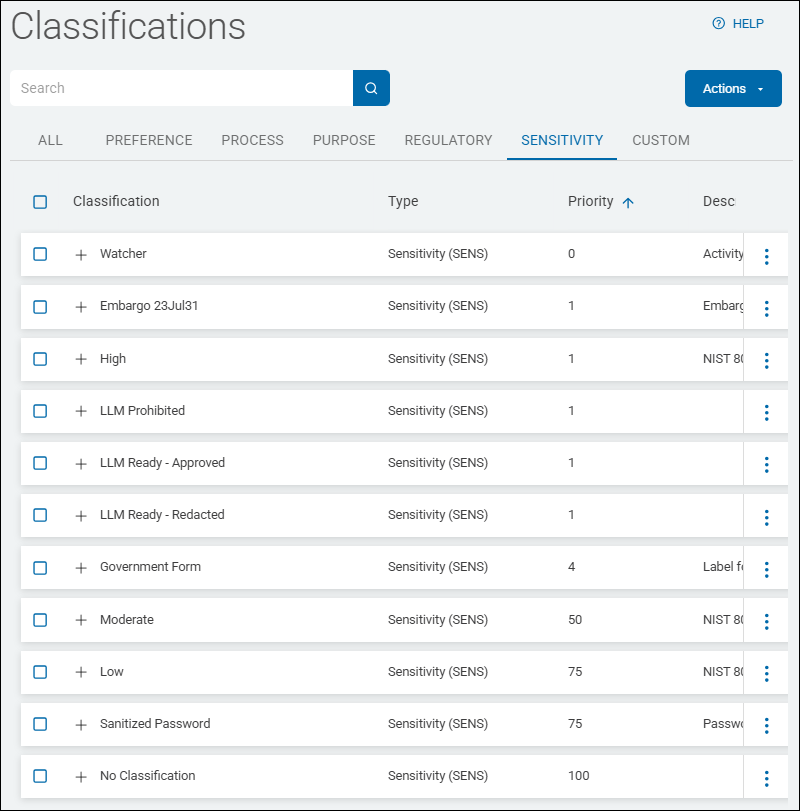
- SENS - Sensitivity
- CUSTOM
LEGA - Legacy Classification Label Type Examples
PREF - Preference Classification Label Type Examples
PROC - Process Classification Label Type Examples
PURP - Purpose Classification Label Type Examples
REG - Regulatory Classification Label Type Examples
SENS - Sensitivity Classification Label Type Examples
CUSTOM Classification Label Type Examples