How to Implement the SDV3 Dashboard
Overview
The SDV3 is a dashboard that shows the Value, Volume, and Vulnerability of the sensitive data (SSN, credit card numbers, etc.) in an asset.
This is helpful in determining the value of data in each area.
- Asset: an Asset or Data Asset is a location, local, or remote (such as cloud-based), that contains Targets (a Target is any data location inside an Asset that SDP can scan for sensitive data).
- For example, an SQL server (Asset) with multiple SQL Databases hosted on it (Targets).
- A location can be both an Asset and a Target.
- For example, a workstation (Asset and single Target)
To gain the functionality of the Data Asset Inventory and SDV3 dashboards, you must configure Ordinal/Monetary values for Global Data Types and create one or more data assets.
- Global Data Type Values
- Ordinal scale ranges from 0 (no risk) to 300 (very high risk).
- Monetary scale (in dollars) default values are taken from various reports such as the IBM data breach report, Gartner, and Ponemon.
- For example, the Social Security Number Data Type is set to a dollar value of 165 ($165.00 per SSN instance).
- Data Assets
- The requirements for creating an Asset
- SDV3 Dashboard
- See SDV3 Dashboard section below.
Use the following steps to set up the SDV3 dashboard.
Global Data Type Values
- The value of data within each organization can differ, so value is customizable.
- We often take input from various reports like the IBM data breach report, Gartner and Ponemon for starters.
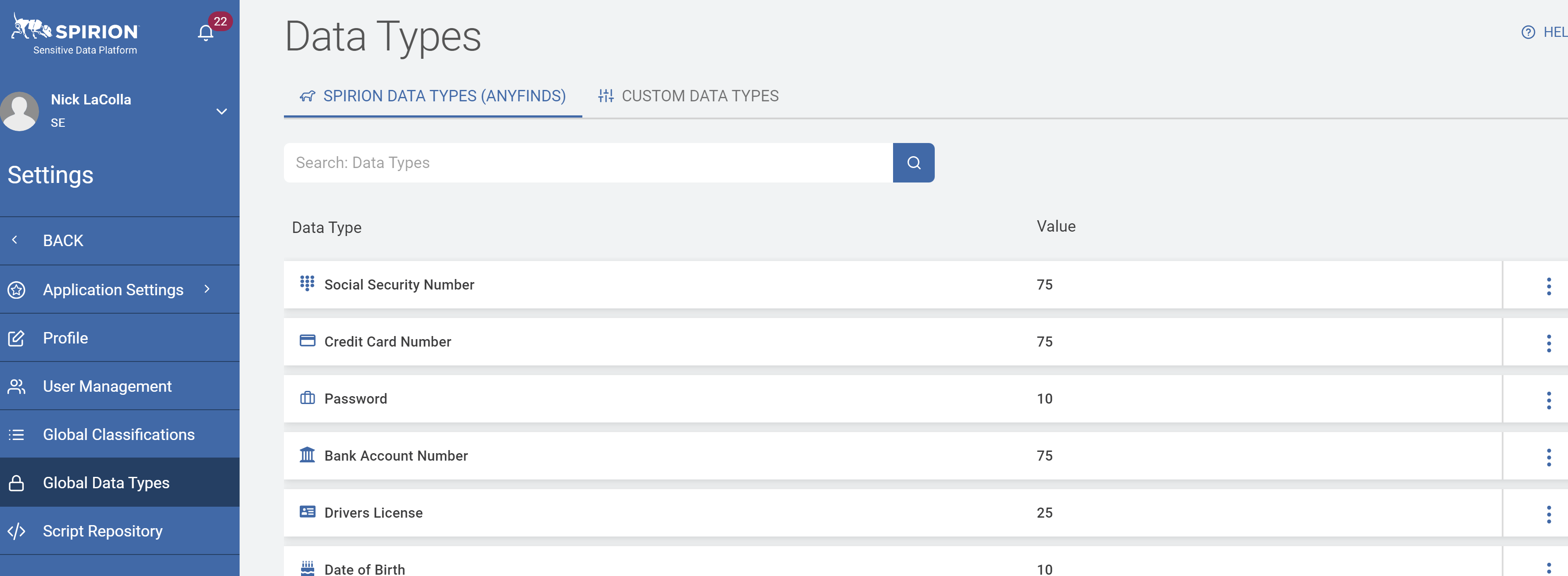
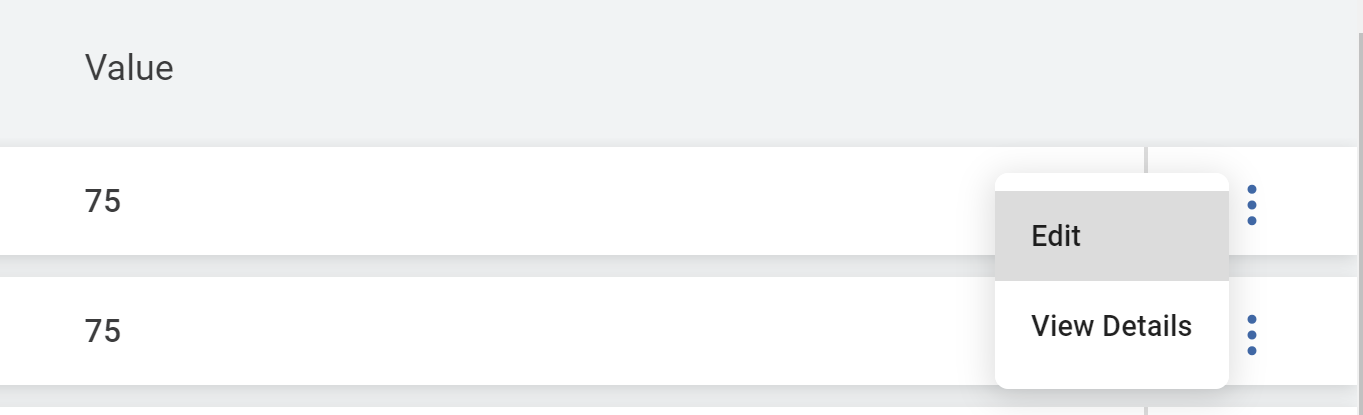
1. Edit the Value of a Data Type by clicking the kebab menu to Edit.
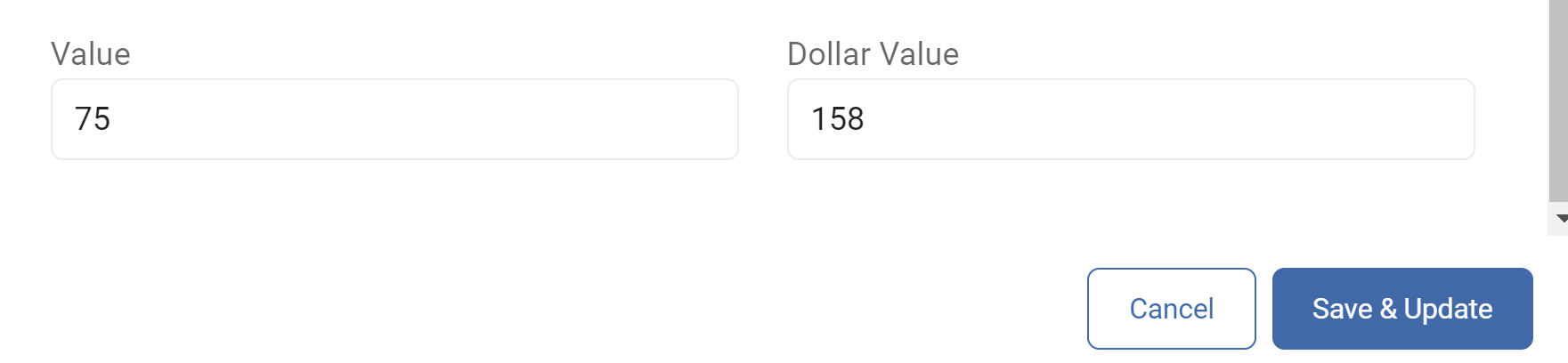
2. Scroll to the bottom to specify Value by importance (0-300), and Dollar Value.
A. Default values are taken from various reports such as the IBM data breach report, Gartner, and Ponemon
3. Repeat this process for each datatype that is to be included in the reporting.
Data Assets
An Asset is a collection of one or more Targets, enabling the SDV3 dashboard, while also creating a detailed record of the data content and associated business processes .
Requirements for Creating an Asset
- Asset Name.
- Example - Email, SharePoint, OneDrive, Databases (East)
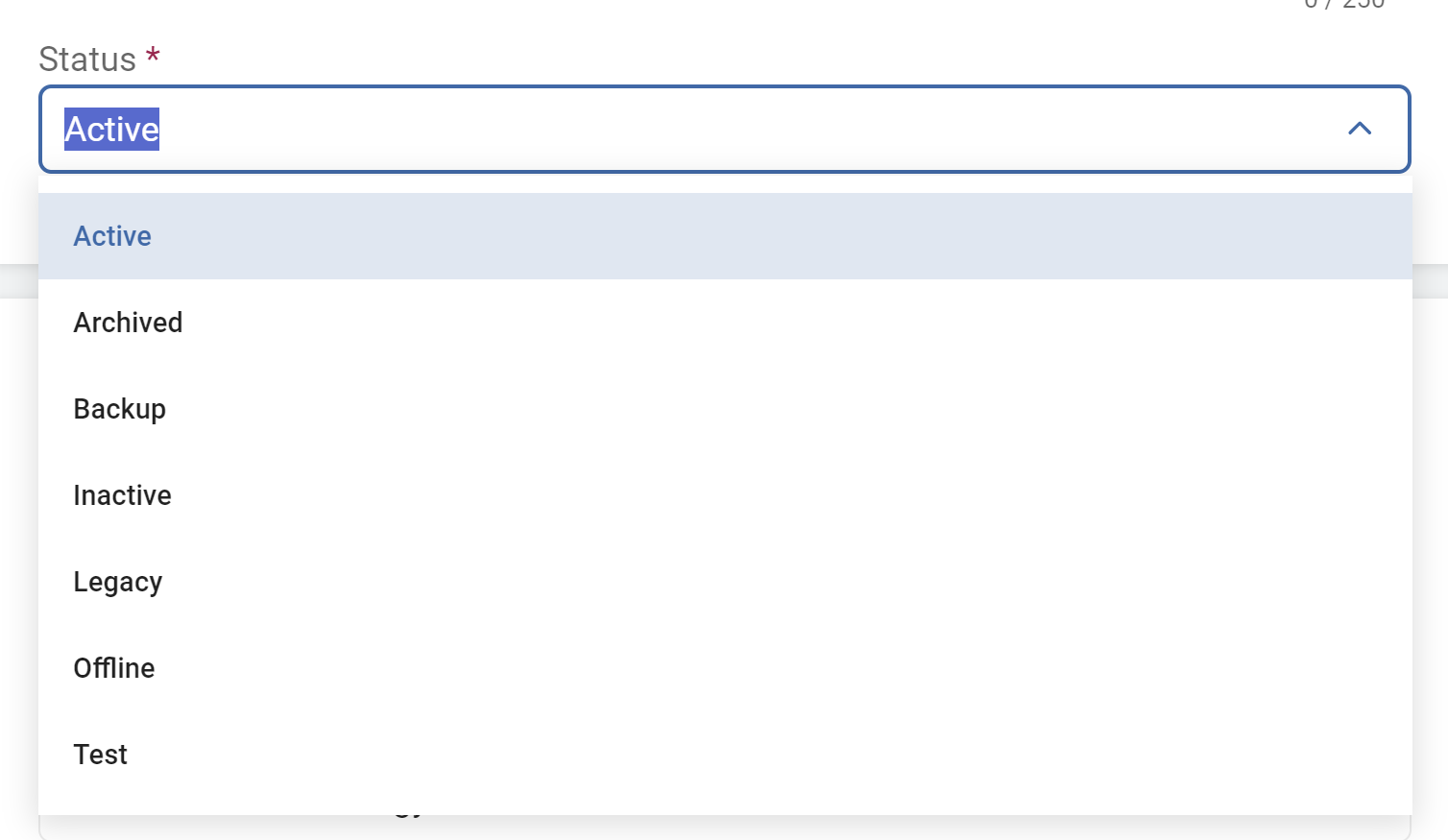
- Asset Status
- Active, Archived, Backup, Inactive, Legacy, Offline, Test
- Active, Archived, Backup, Inactive, Legacy, Offline, Test
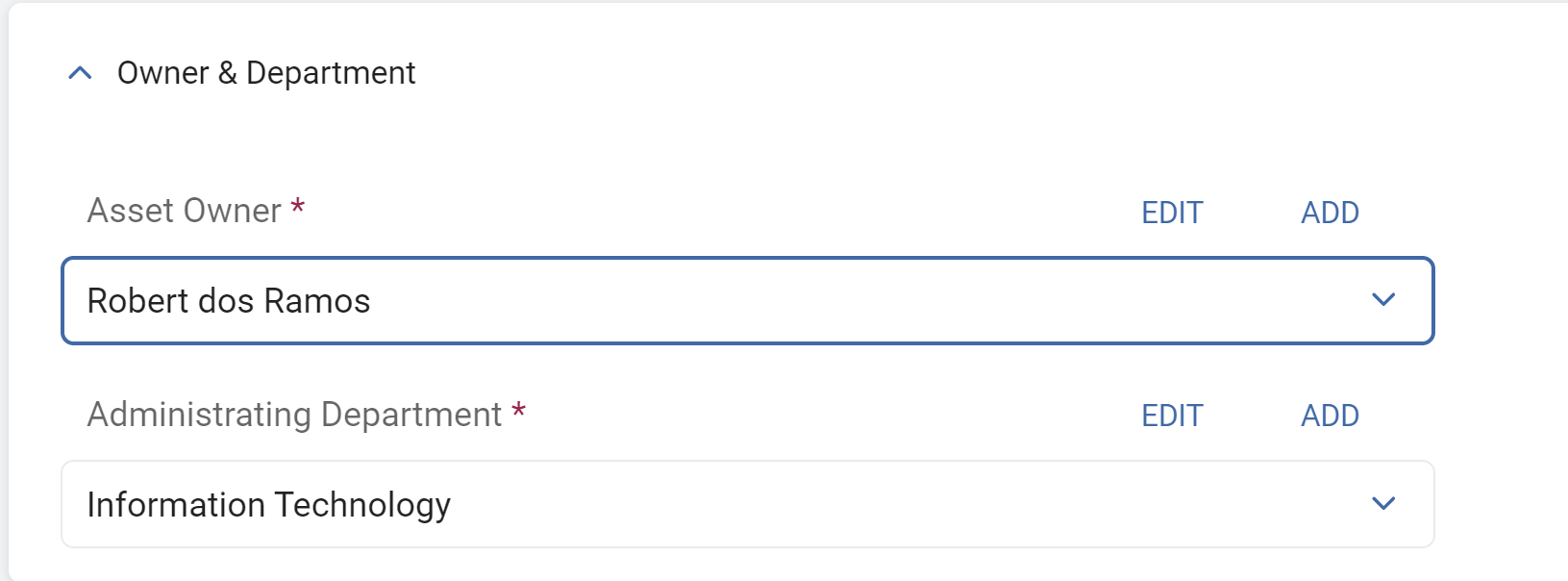
- Owner & Department
- Asset Owner
- Administrating Department
- Security Measures
- Organizational Security Measures
- Technical Security Measures
- Targets
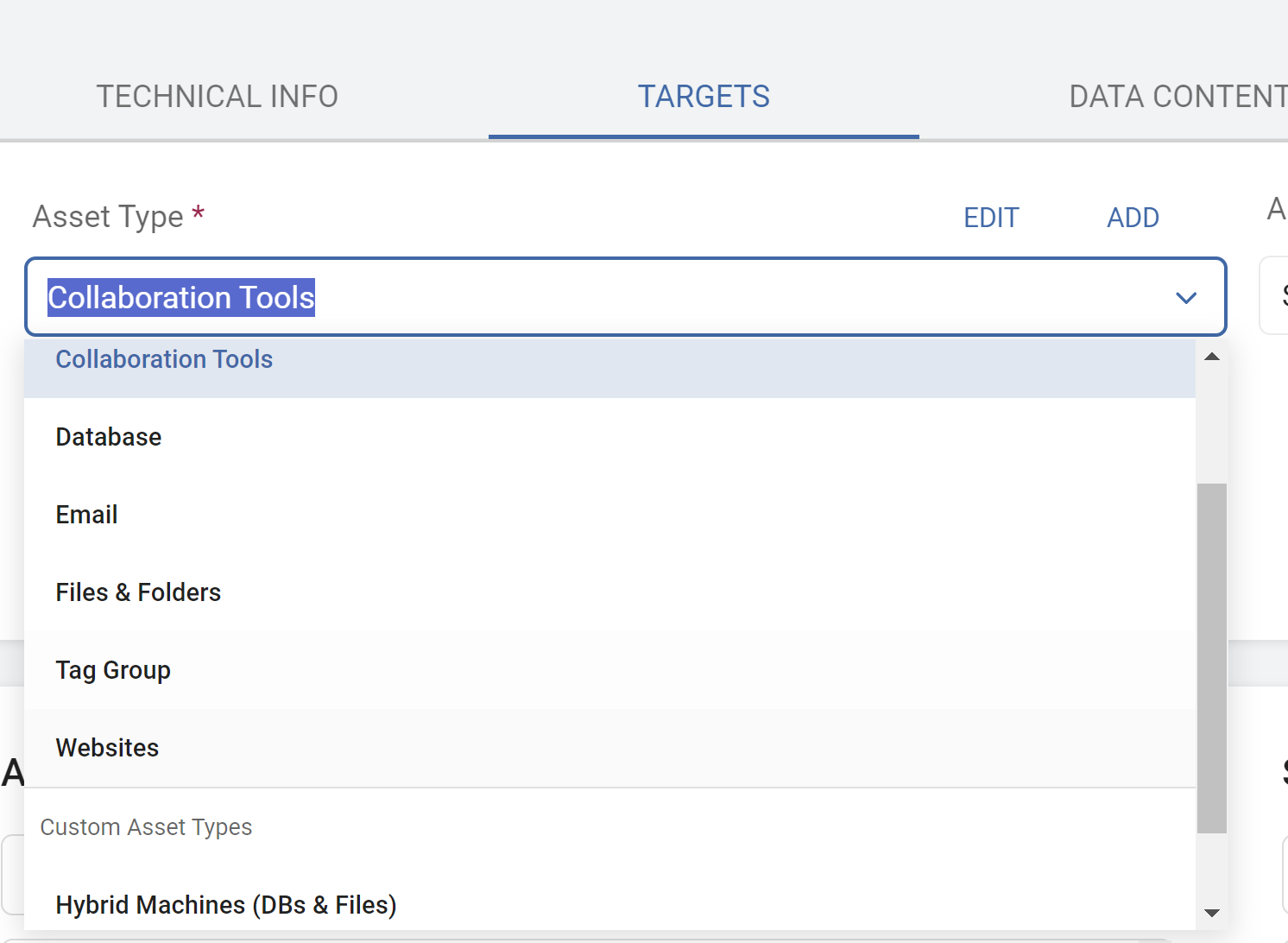
- Asset Type - Choose from a list of built-in Asset Types or Add a Custom Asset Type
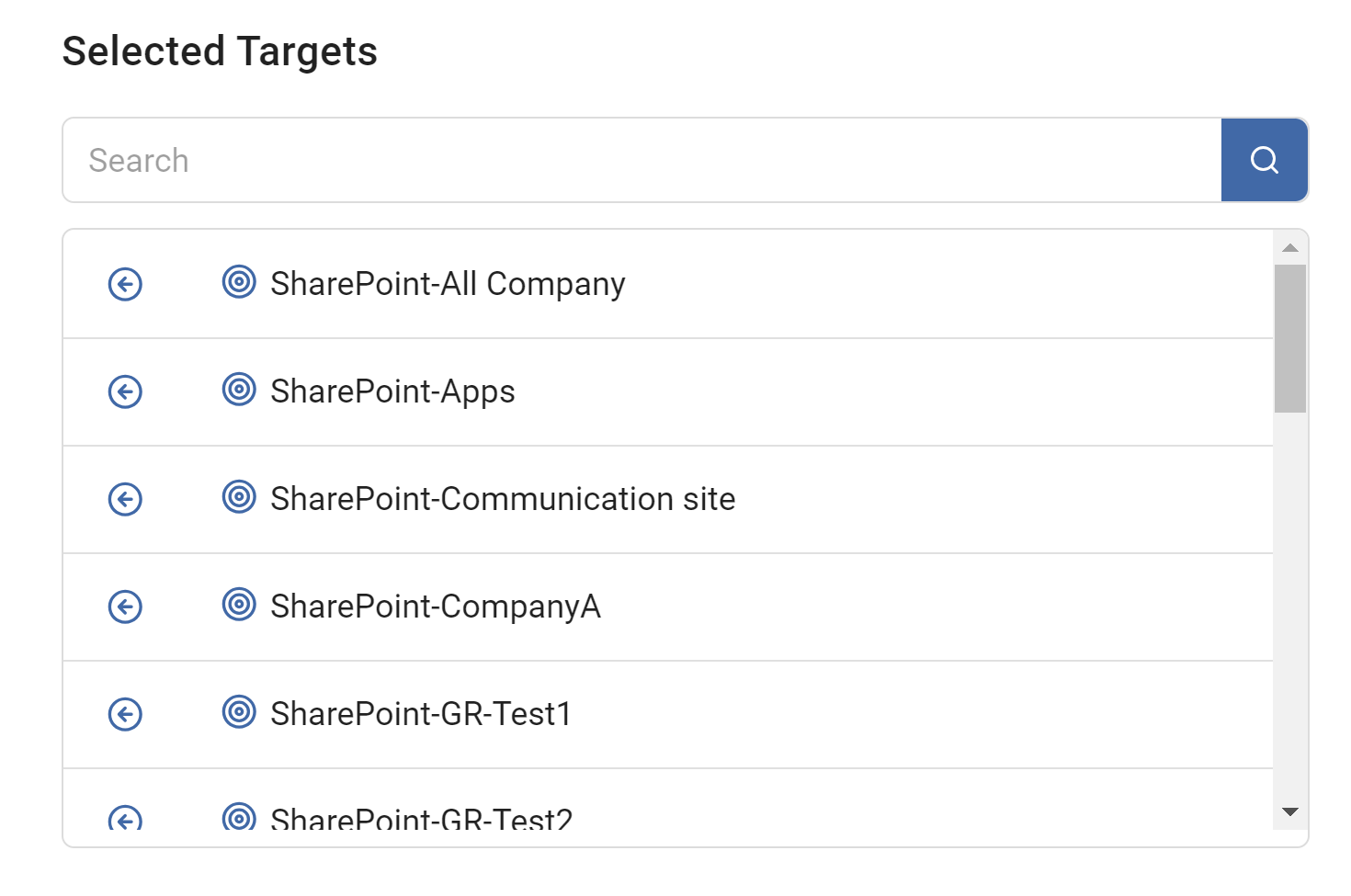
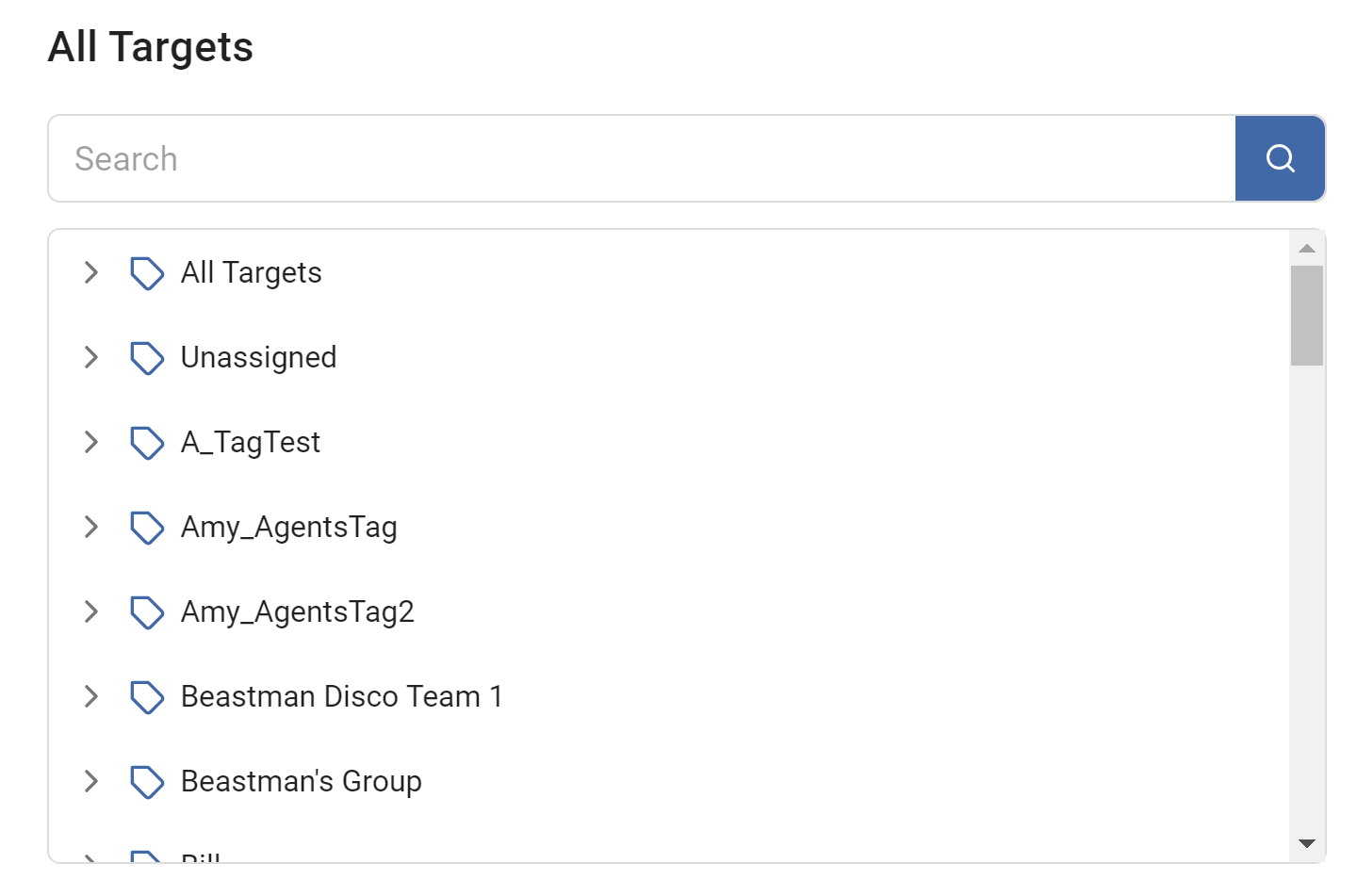
- Selected Targets - Add targets from the All Targets list to be included in the Asset.
- Asset Type - Choose from a list of built-in Asset Types or Add a Custom Asset Type
- Type a target name to search for or leave the line blank and click the search button to select from All Targets.
- {Optional} - Define Data Content and Business Processes
- Summary - Review the Summary and click Finish & Save.
SDV3™ Dashboard
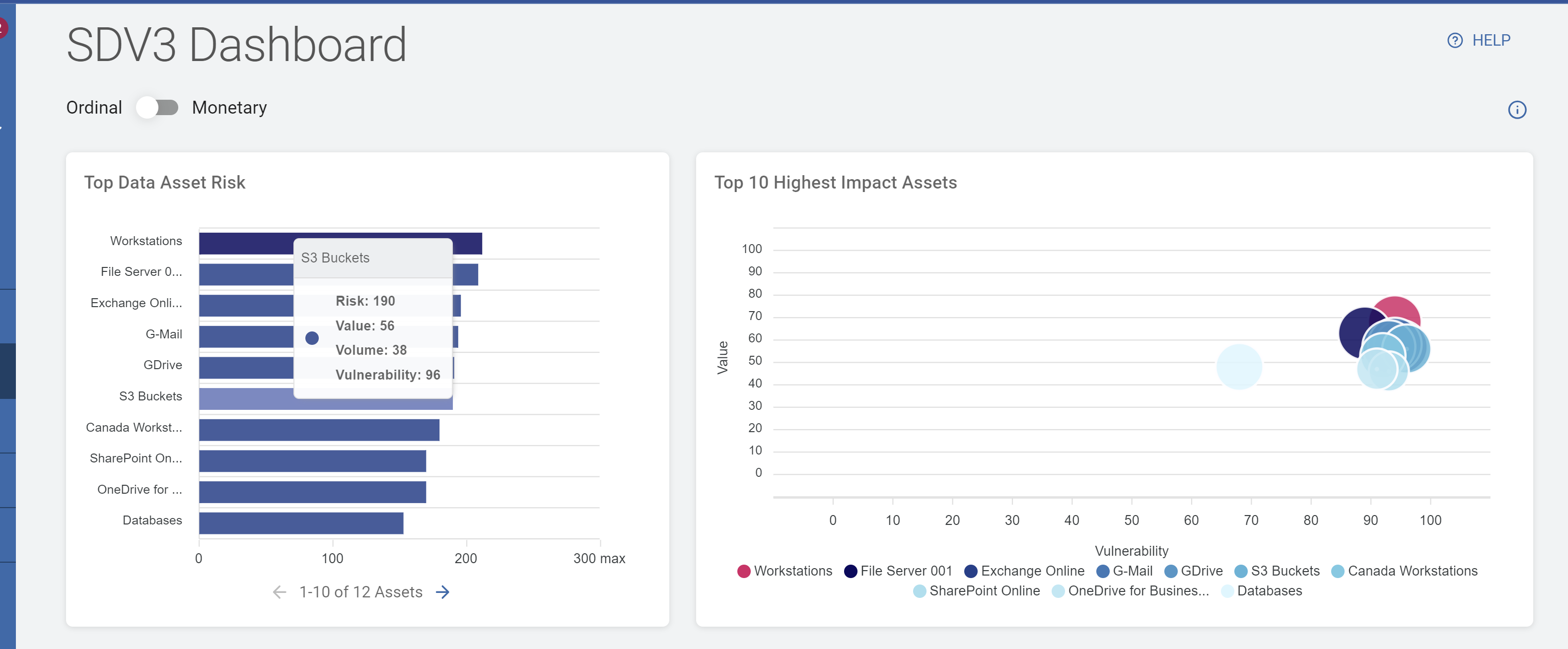
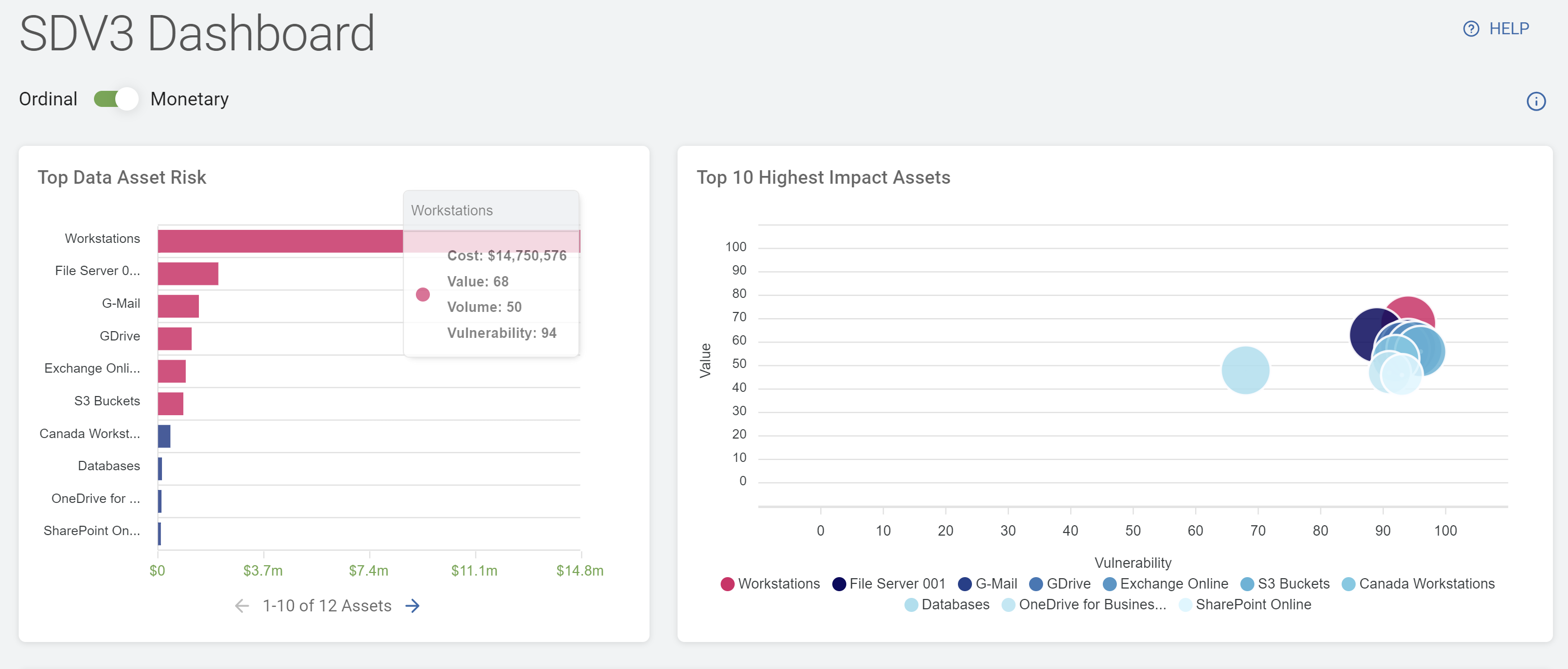
The SDV3™ dashboard displays the normalized risk or computed monetary risk based on the most recent scan results.
- The charts and data inform where risk reduction measures can be applied based on priority or value.
Ranked by Ordinal
Ranked by Monetary
Dashboard Refresh Interval
The SDV3™ dashboard does not update immediately after you perform an action or after a scan completes. It may take up to 48 hours as the dashboard must synchronize with the data warehouse.
Detailed Scoring Breakdown: Value, Volume, Vulnerability
SDV3™ is a dashboard showing the Value, Volume, and Vulnerability of your sensitive data sorted by various criteria. Below is a detailed breakdown of the calculation of the 3 V's - Value, Volume, and Vulnerability.
Value
The value of your sensitive data (data assets) is calculated using the amount and weighting of the sensitive data.
- The number (quantity) of each asset is multiplied by its weight to yield the total value of the asset itself.
- All asset total values are then summed to yield a Total data value, or Value score.
- Example
- 10 social security numbers (SSNs) with a weight of 10 = an SSN value of 100, (10 x 10)
- 5 credit card numbers (CCNs) with a value of 50 = 250, (5 x 50)
- Asset total data value = 350, (100 + 250)
- Subsequently, the Asset Value receives a score based on the Total Asset Data Value.
- This normalizes the number for a simpler SDV3™ Risk score.
- Total data value (TDV), normalized = Value score (V1)
Volume
Total number of matches (TM) receives a total count score which indicates the Asset's Volume.
- The total count is normalized in a scale of 1-100 and becomes the Asset Volume Score.
- Total matches (TM), normalized on a scale of 1-100 = Volume score (V2)
Vulnerability
An Asset's Vulnerability is measured by the Asset Type and Asset "Security Measures".
- Each variable is given a score.
- The values for both variables (Asset Type and Security Measures) are assigned a base score by the user in the Asset section of the Data Asset Inventory in SDP.
- The total of these values is the Vulnerability Score (V3):
- Asset Type (AT) + Security (SP) = Vulnerability Score (V3)
*All data is normalized to fit a scale of 1-100
*All data is calculated from the results of the LAST COMPLETED SCAN
- Asset Type (AT) + Security (SP) = Vulnerability Score (V3)
Total Risk
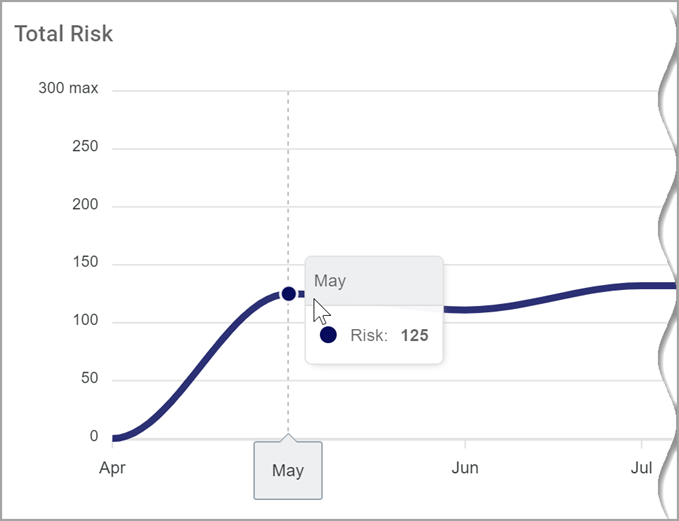
- Total Risk represents the Risk Score for your entire organization over time.
- All Asset risk is combined and averaged to create the Total Risk Score.
- Score ranges from 0 (no risk) to 300 (very high risk).
- The Total Risk chart displays the total risk view of all your (scanned) data assets.
- Hover over a data point to view the total risk score for that time period.