How to View a User
Procedure:
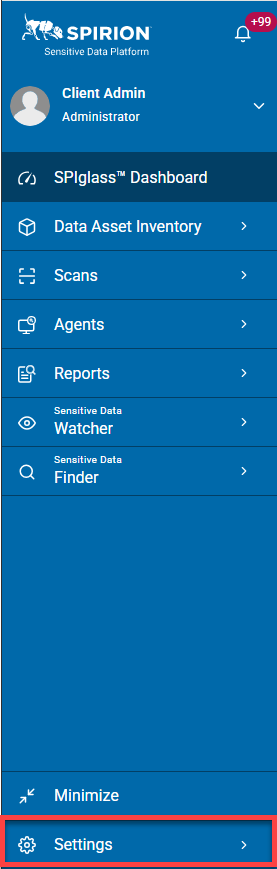
- On the left side blue navigation menu, click Settings at the bottom of the menu.
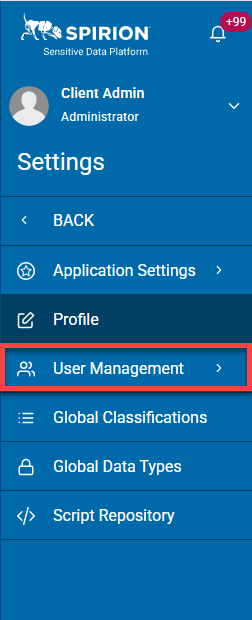
- Click User Management from the navigation menu.
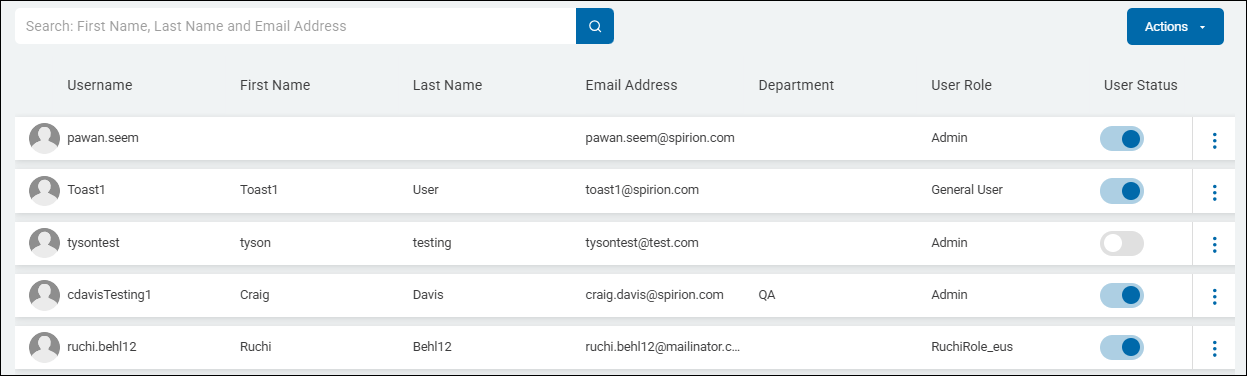
- The User Management screen opens and displays a table.
- Two categories are available, each with their own tab at the top of the page.
- Click one of the following tabs at the top of the page to switch between views:
- USERS
- USER ROLES
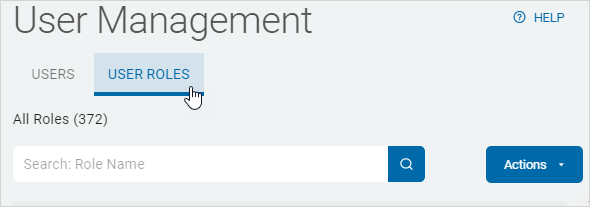
- Users are displayed in a table sorted by the following columns:
- First Name
- Last Name
- Email Address
- Department
- User Role
- User Status
- More options
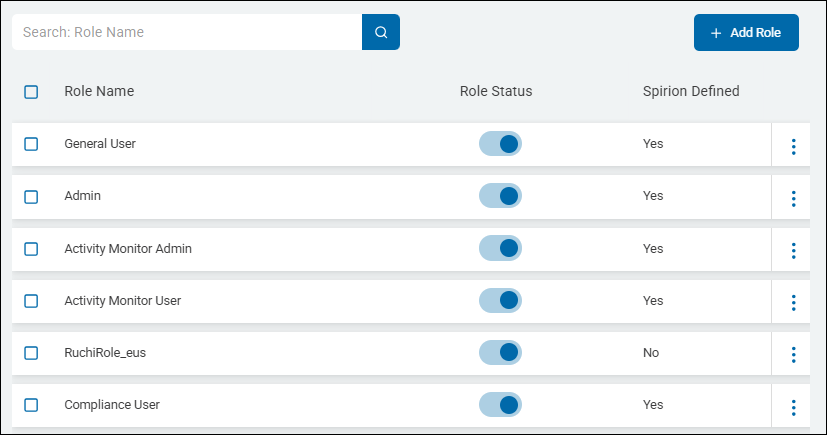
- User Roles are displayed in a table sorted by:
- Role Name
- Role Status
- Spirion Defined