How to Delete a Scan Playbook
How to Delete a Scan Playbook
To delete a playbook use the following steps:
- From the left side navigation menu select Scans > Scan Playbooks.
- The "Scan Playbooks" page opens.
- Locate a playbook in the Playbooks list.
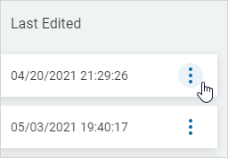
- In the far right column, click the more options menu.
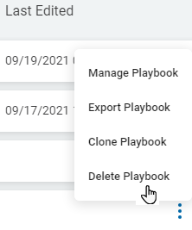
- Click Delete Playbook.
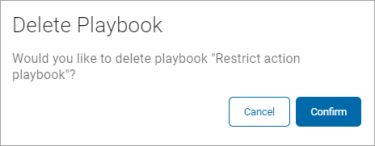
- Click Confirm to delete or Cancel to discard.