
How to Edit a Business Process
To edit a Business Process use the following steps:
- Locate a process in the Business Processes list.
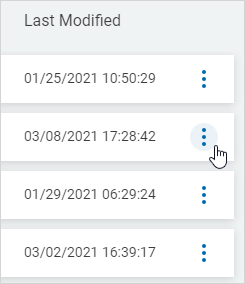
- In the far right column, click the more options menu.
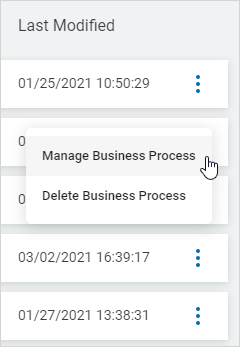
- Click Manage Business Process.
- Click tabs to move between sections. Click a right arrow to expand a section or a left arrow to collapse a section.
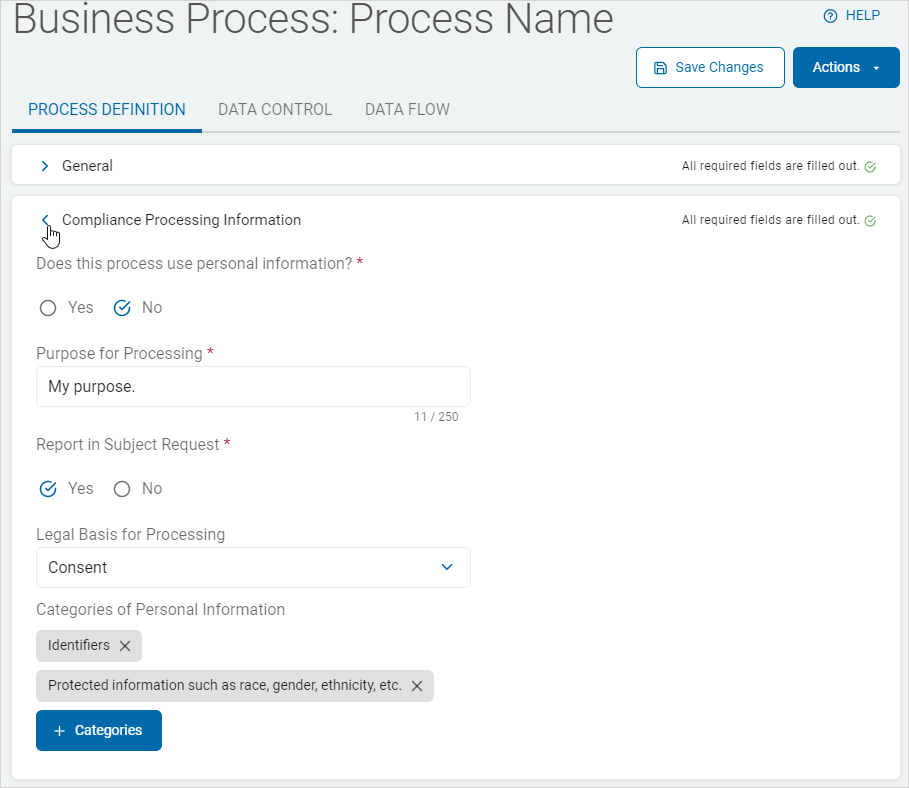
- Make needed changes in each tab and their sections.
- Click Save Changes to save updates.