How to Export a Custom Data Type
To export a custom Data Type:
- Ensure you are on the Custom Data Types tab.
- Locate the Custom Data Type you want to export.
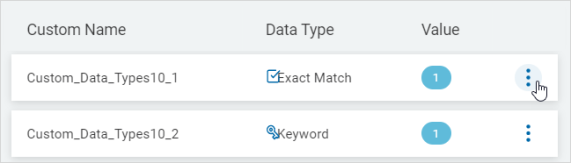
- On the far right of the row, click the more options menu.
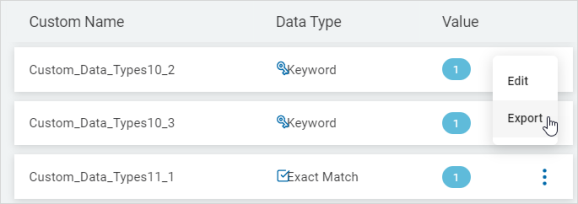
- Click Export.
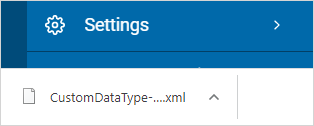
- The data file is exported to your local computer as an XML file.