How to Import/Export Users and User Roles
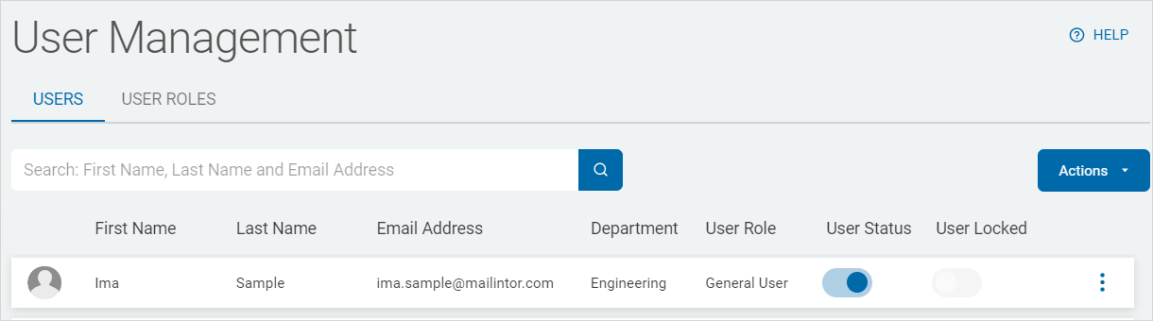
You can import and export Users and Roles in the User Management page in Spirion Sensitive Data Platform.
How to Import a User and Roles List
To import a list of Users and their Roles:
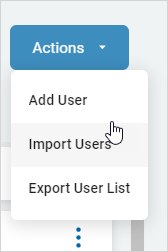
- Click Actions.
- Click Import Users.
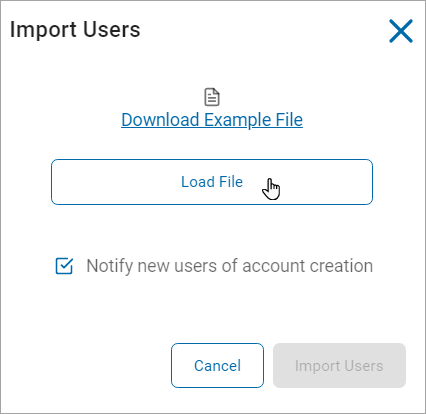
- In the Import Users pop-up window:
- Click Download Example File for a sample of the required file format, if applicable.
- Click Load File.
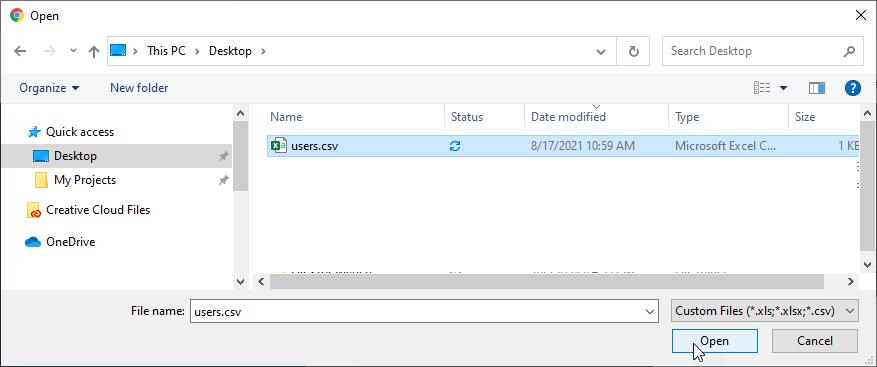
- Locate the file on your local computer.
- Select the Notify new users for account creation check box to notify recently added users about their new Sensitive Data Platform account.
- Click Import Users to import the new users or Cancel to discard.
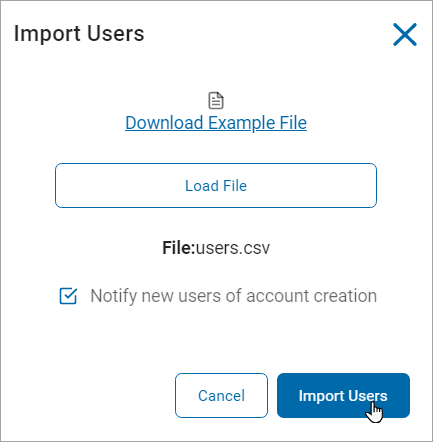
- A message is displayed confirming success import.

The new users are now available in the USERS and USER ROLES tabs.
How to Export a User and Roles List
To export a list of Users and their Roles:
- Click Actions.
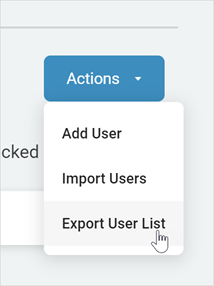
- Click Export User List.
- The User list is downloaded to your local computer.