How to Delete a Report
Use the following steps to delete a Report:
- In the list, locate the Report you want to delete.
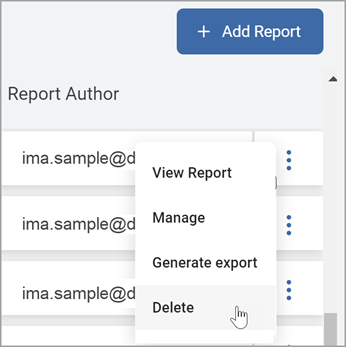
- On the far right of the report line, hover over the more options menu.
- Click Delete from the sub-menu.
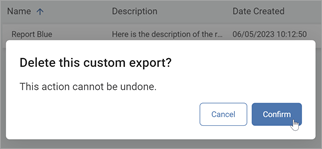
- Click the blue Confirm button to complete the deletion or Cancel to abort your action.