How to Classify Sensitive Data
Use the information in this article to help you classify sensitive data.
Use the following archTIS guidelines and recommendations when classifying sensitive data.
- Note that classification is a multi-step process.
- Classification is not something that is setup for your entire environment and performed in one attempt.
Establish a Classification Schema - Start with what you know
- Keep your classification schema simple
- Layer upon layer of classifications can lead to confusion
- Classifying data as "not-sensitive" is simple and often overlooked, but can be very useful
- Don't use complex naming conventions
- Avoid over-labeling
- Use labels and terms users can understand and which are easily defined
- Create a checklist for each data type
- Which data types are provided - Spirion data types (Social Security number, credit card number, phone number, etc.)?
- Which data types are missing and must be created (custom data types)?
- Custom data types are created by you
- Custom data type examples include: keywords, sensitive data definitions, regular expressions, dictionary data types, etc. such as: AWS Access Key Keyword - Pattern, CUI, EIN, ePHI, HSA Number, HSA Validator, IMEI, IPv4, IPv6, mother's maiden name, Asana client secret, etc.
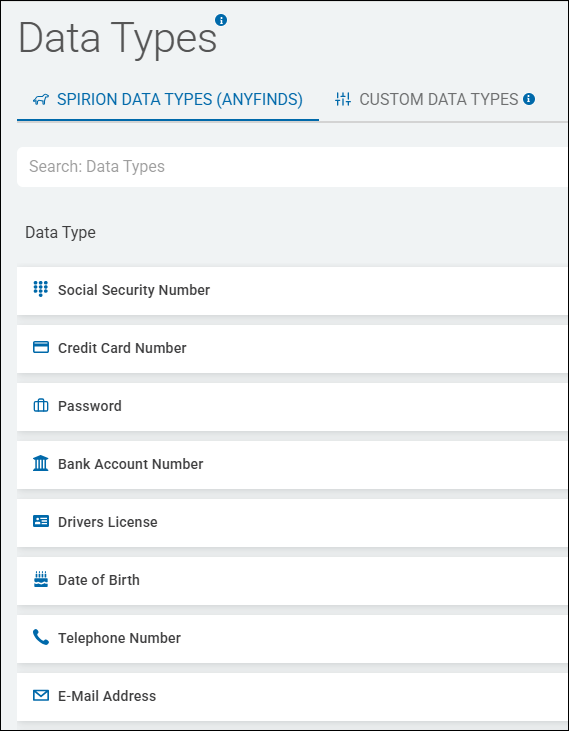
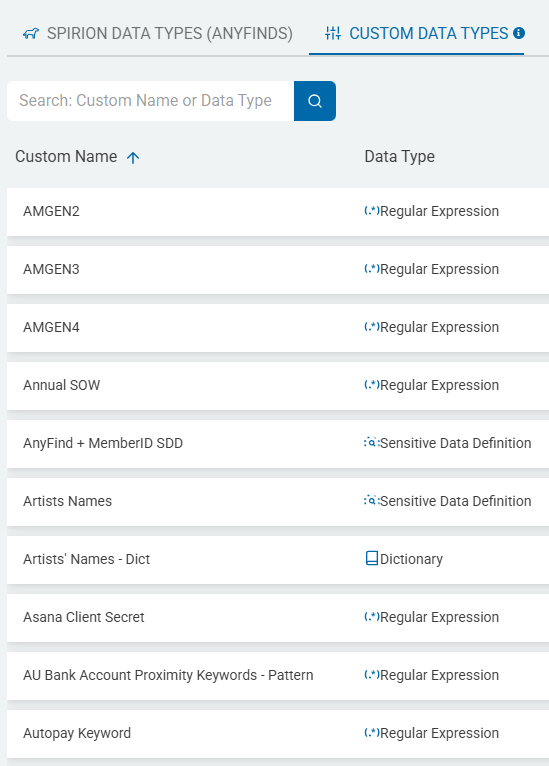
- Leverage Sensitive Data Definitions - Existing Spirion or Custom data types such as Social Security number, credit card number, phone number, IMEI, ABN, etc.
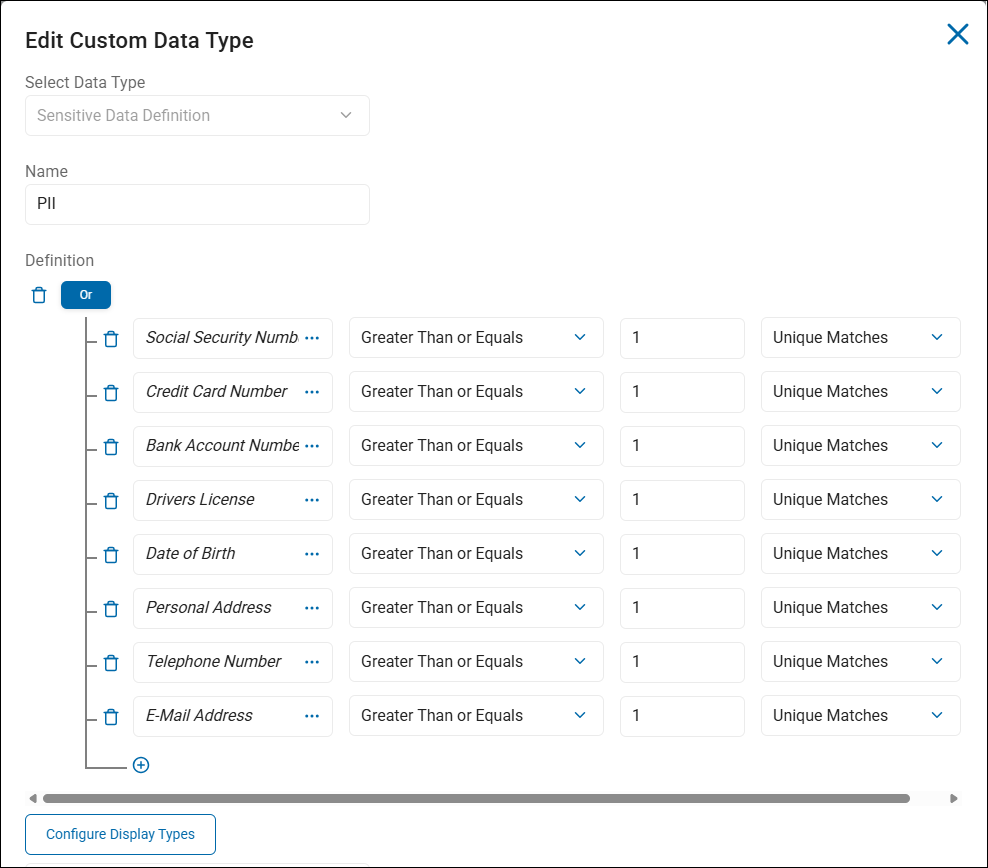
- Below is an example of a custom data type called "PII" (personally identifiable information), which contains multiple native, Spirion-provided data types
Limit the Scope of What is Classified
- To start, apply classifications to the data in your Spirion database
- Examine the senstive data (SSN, CCN, etc.) in the files your scans have discovered and decide how the sensitive data should be classified
- Next, decide how to classify the files which contain the sensitive data
- Lastly, what are the logical remediation steps to take on this data? Redact, shred, notify users? Is classifying the data or file the final step?
- Choose a group or department to test your classification schema on such as HR, Finance, a small database, or onedrive account, etc.
- Decide on a reasonable level of error and understand thresholds
Test Your Classifications Before Deploying Them Across Your Environment
- Understand the service tasks related to classifications and workflows
- Start with easy operators - Equals, Greater Than
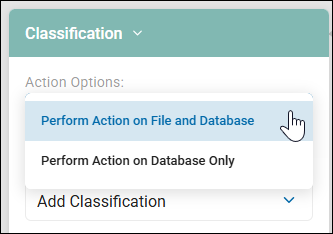
- Apply classifications to Spirion database file records first, and later to the files themselves: the setting which controls this option in Scan Playbooks is shown in the screenshot below.
- When the file itself is classified, the classification is embedded into the file's metadata and follows the file wherever it goes