How to Use Global Data Types
The Global Data Types page in Spirion Sensitive Data Platform is where you manage your Data Types, both custom and built-in (Spirion AnyFinds™).
Overview
The Global Data Types page is where you manage your Data Types, both custom and built-in (Spirion AnyFinds™).
- Spirion AnyFinds™ Data Types are provided by default, and include:
- Social Security number
- Credit card Number
- Password
- Bank Account Number
- Driver's License
- Date of Birth
- Telephone Number
- E-mail Address
- Personal Address
- Passport Number
- more
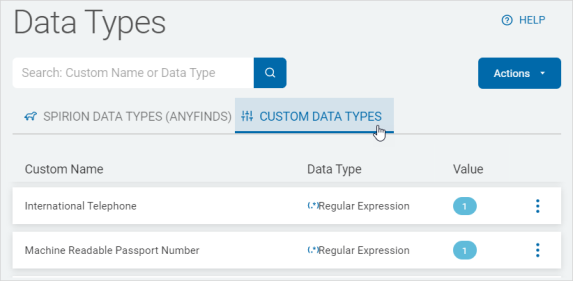
- Custom Data Types are:
- Data types defined by you
- Examples:
- IMEI
- ABN
- For a detailed description of each Spirion AnyFind data type see Spirion AnyFind Data Types Defined
How to Access and View Data Types
Use the following steps to view Global Data Types:
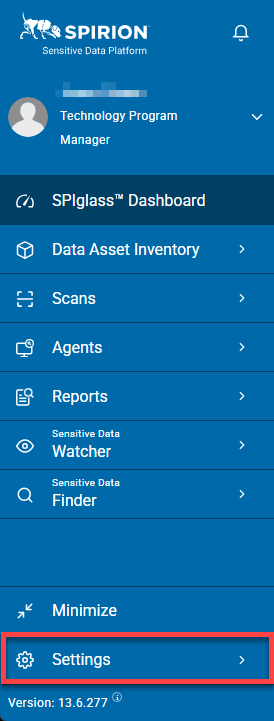
- From the left side navigation menu, click Settings.
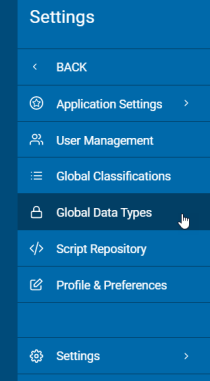
- Click Global Data Types.
- Data Types are displayed in a list sort by columns.
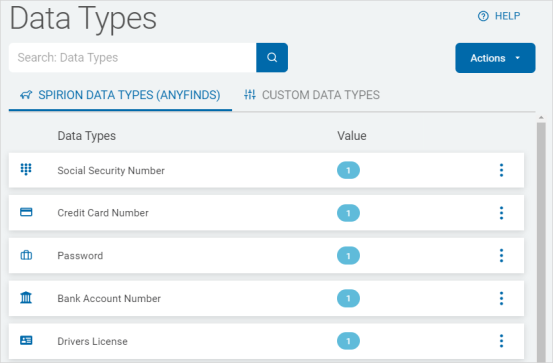
- Click a tab to further sort by Data Types: