
How to Search for a Target
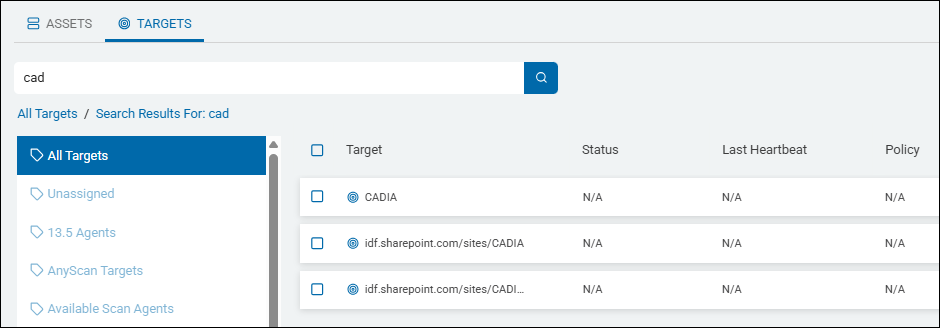
Use the following procedure to search for a specific Target:
- Enter the desired Target name in the search box. Search is NOT case sensitive.
Note: Entering a partial Target name also returns results. - Click the search magnifying glass icon or press Enter on your keyboard.
- The search results are displayed in the table.
- Mouse over the search field and click the 'x' that appears to clear the search term.
List of Available Target Types
There are 6 Target types to select from in Spirion Sensitive Data Platform:
- Remote Machine
- Database
- Website
- Cloud Source
- Collaboration Tools
To add a Target, see the topic for each specific Target type.