
How to Search for a Business Process
You can search for business processes by the following attributes:
- Business Process Name
- Purpose for Processing
- (Business Process) Owner
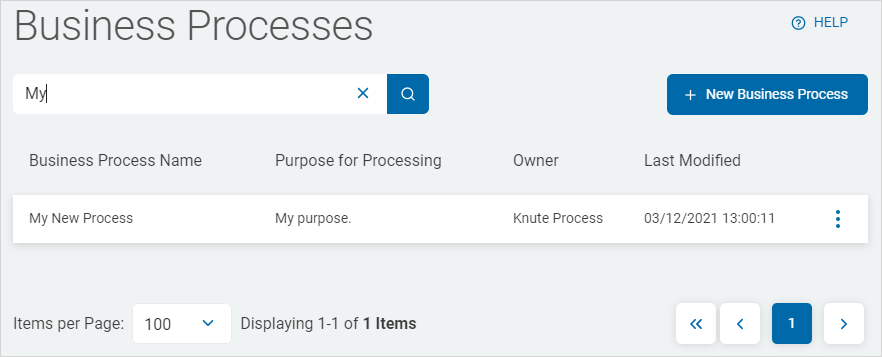
Use the following steps to search for a business process:
- From the left side nagivation menu, select Data Asset Inventory > Business Processes.
- The Business Processes page opens.
- Enter the query in the search box and the results are filtered and displayed in the list below.
- Click the x in the search field to clear the search term.