
How to Export Custom Report Data Automatically
To automate large data exports (generally, reports with more than 5000 rows) it is favorable to generate an export as a compressed consolidated CSV. A script is then used to download the most recent generated report defined by the report name.
Note: The steps in this article require the following script (login required): DownloadReportExportByName.py
How to Export Reporting Data
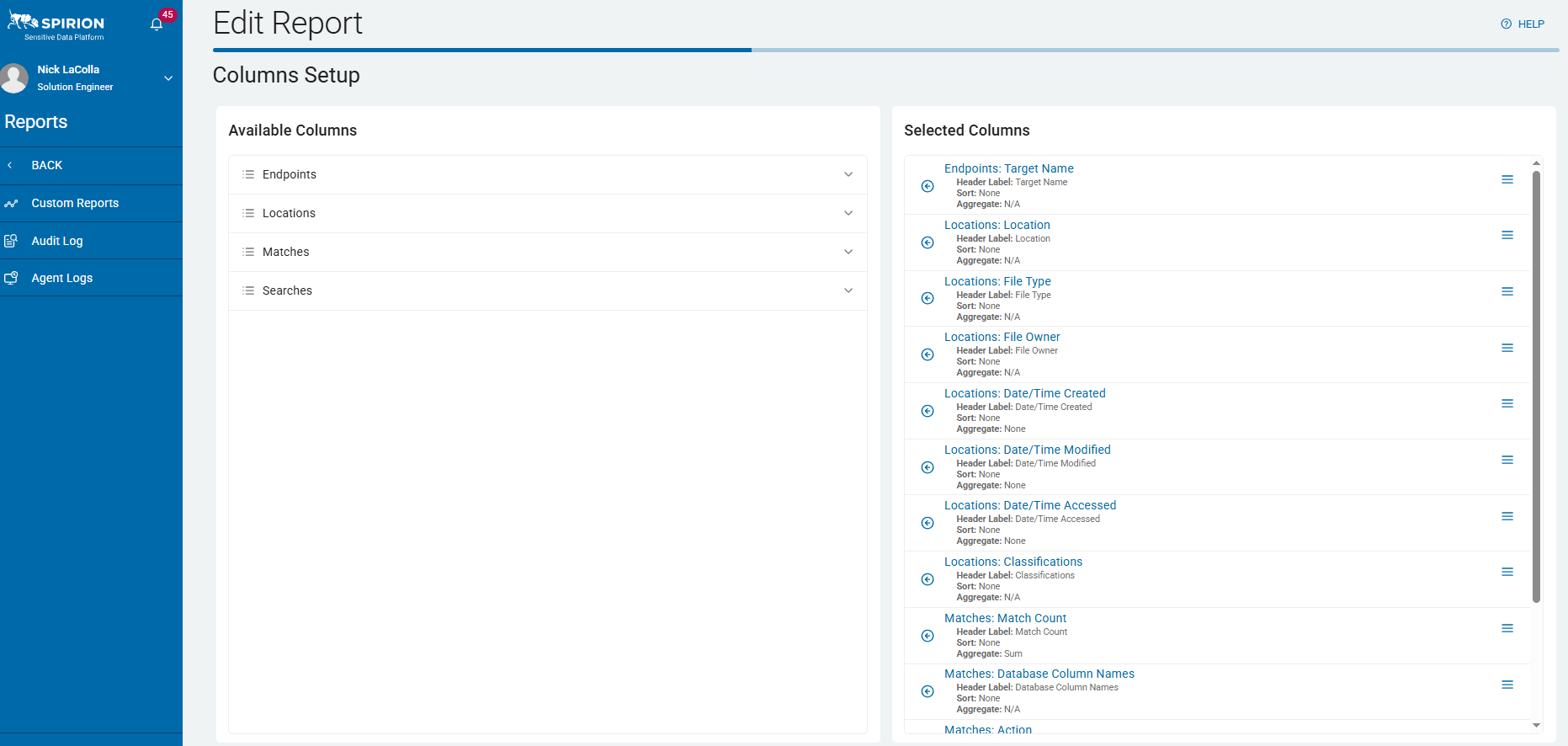
1. Create the Report
- Define the columns for export using the console UI or by using a customized API queries.
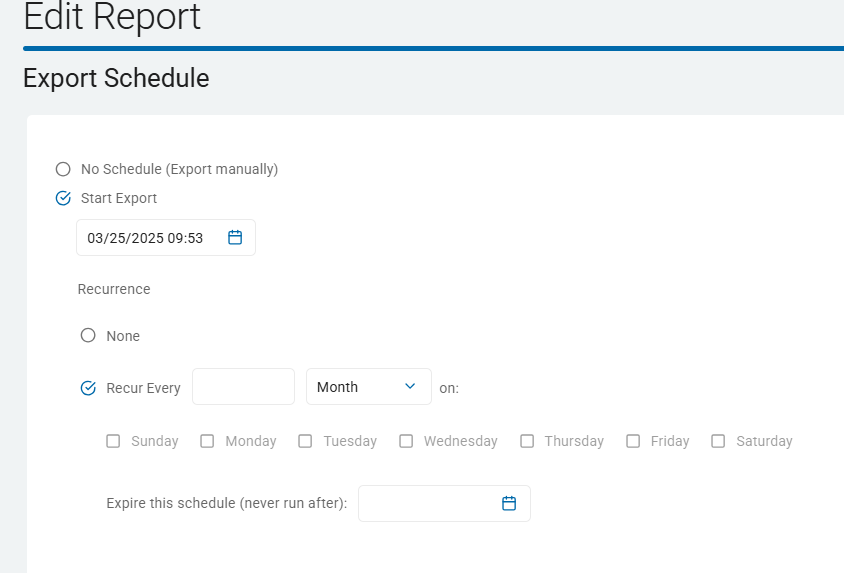
2. Schedule Export
- Add a one-time export or schedule to the report.
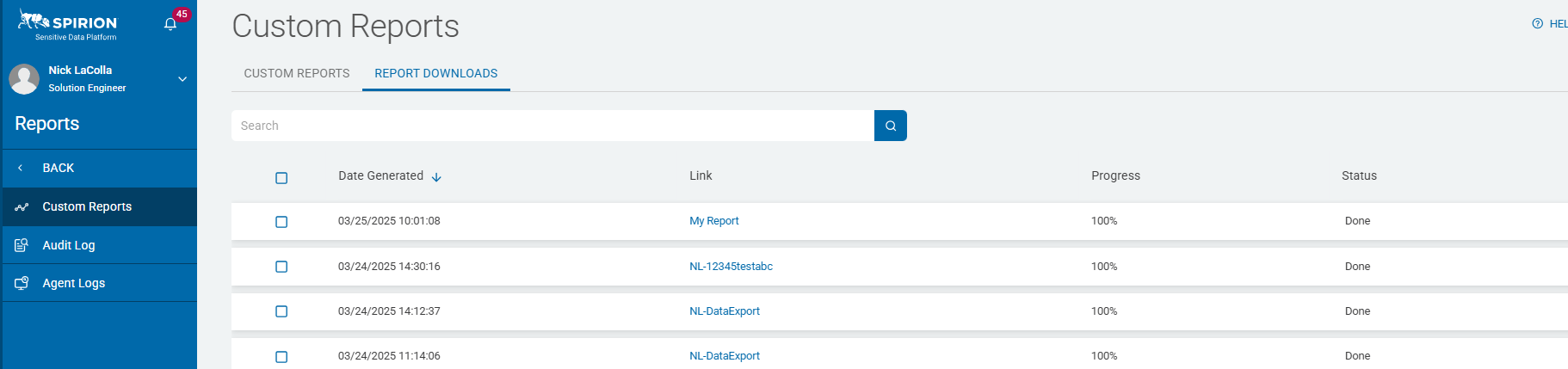
Pickup export - Manual - In the Spirion Sensitive Data Platform console navigate to the Custom Reports > Report Downloads tab
- Scripted - via Python script or a custom script
Extract, Transform, Load (ETL) the CSV to your analytics system or data store.
Sample Script
The DownloadReportExportByName.py script available in the article "Automating Export of Custom Reports Data" on the Spirion Custom Support portal checks the GetReportHistories (API) or the Spirion console equivalent of Custom Reports > Report Downloads tab for the next export by report name.
- If there are multiple reports with the same name available for download it selects the most recent.
- If the report download link is not available it retries every 10 minutes for up to 3 days.
Script Considerations
- Token Refresh is required if the script will run longer than 1 hour
- If the report is still generating, check every so often for the download, but time out if many hours have passed.
- Include the ability to pass the credentials and report name via command line as arguments to prevent credentials from being stored in scripts.
Execute the Script with the Required Arguments
Execute the script from the command line or script execution platform.
Required Arguments
- --server_name
- --client_id
- --client_secret
- --report_name
Example
.\DownloadReportExportByName.py --server_name yourConsoleServerName--client_id yourClientId --client_secret yourClientId --report_name reportName