How to Clone a Scan Playbook
How to Clone a Scan Playbook
To clone a Scan Playbook use the following steps:
- Navigate to the Scan Playbooks page (Scans > Scan Playbooks)
- Locate a playbook in the Playbooks list.
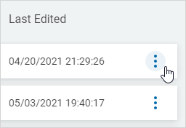
- In the far right column, click the ellipse menu.
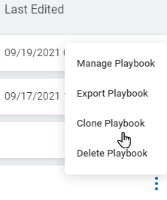
- Click Clone Playbook.
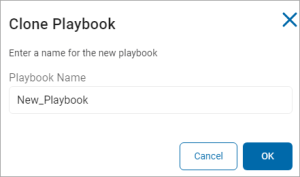
- In the Clone Playbook page, enter the name of the new playbook and click the blue OK button at the bottom of the page.