
How to Remove a Target
How to Remove a Target
Use the following steps to remove a Target:
- From the left side navigation menu select Data Asset Inventory > Data Assets and Targets.
- Select the TARGETS tab from the top of the page.
- Locate the Target you want to remove from the list.
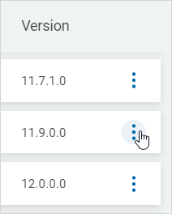
- On the far right of the row, click the more options menu.
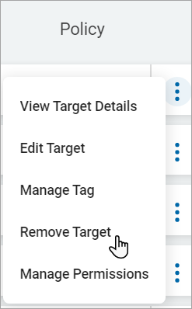
- Click Remove Target from the sub-menu that appears.
- On the far right of the row, click the more options menu.
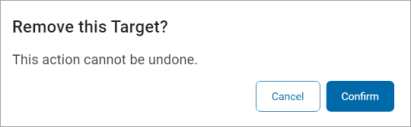
- In the pop-up window that displays, click the blue Confirm button to remove the Target or the Cancel button to discard.
- A toast message is displayed showing a successful removal.
