
How to Change a Scan Playbook
Scan Playbooks are a kind of decision tree which instruct Spirion Sensitive Data Platform on what to do during scans, such as quarantine, shred, or redact sensitive data.
How to Edit a Scan Playbook
To edit a Scan Playbook navigate to the Scan Playbooks page from the left-side navigation menu (Scans > Scan Playbooks) and perform the following steps:
- Locate a playbook from the list of Playbooks.
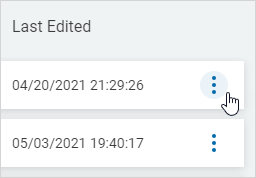
- In the far right column, click the more options (ellipse) menu.
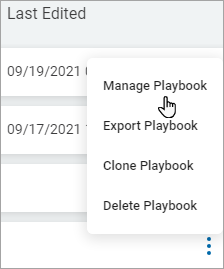
- Select Manage Playbook from the sub-menu that appears.
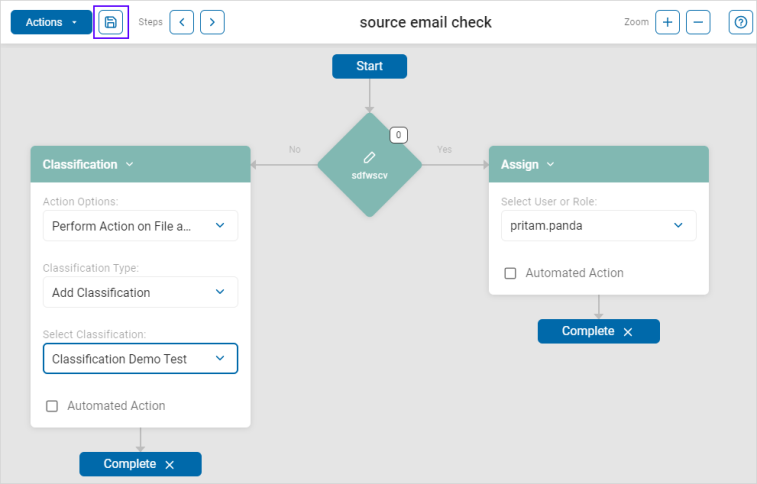
- The Playbook details page opens with the Playbook name shown at the top middle of the page.
- Make any needed changes to the playbook here.
- Click the save icon in the top left portion of the screen next to the blue "Actions" button.
- See "Add a New Scan Playbook" for more information on creating playbooks.