
How to Edit a Classification
Use the following instructions to edit a classification.
To edit a Classification use the following instructions:
- From the left side navigation menu select Settings > Global Classifications.
- The Classifications page opens.
- Locate the Classification you want to edit in the list.
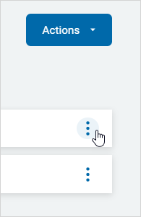
- On the far right of the Classification's row, click the more options icon.
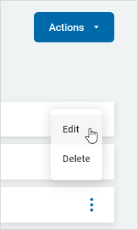
- Click Edit.
- The Edit Classification pop-up window appears.
- Make any desired changes.
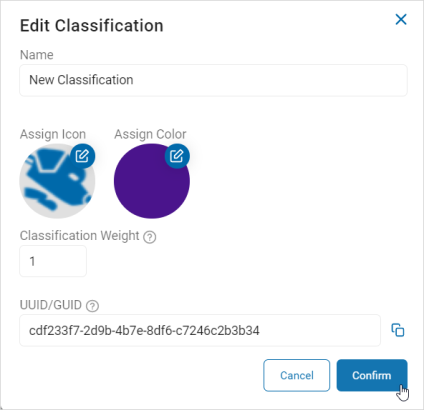
- At the bottom of the window click the Confirm button to save the changes or Cancel button to discard.