
How to View a Policy
Use this information in this article to learn how to view a policy in Spirion Sensitive Data Platform.
How to View a Policy
Use the following steps to view an Agent policy:
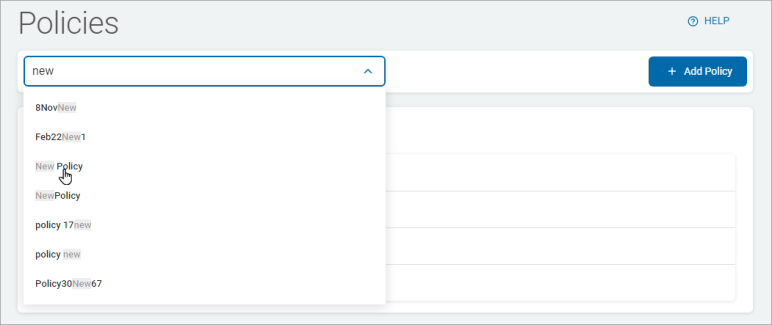
- Select a Policy from the Policy Configuration drop-down list at the top of the page.
- The selected policy displays, by name, just below the "Default Policy" section on the page.
- Click the down arrow to expand a section and up arrow to collapse a section. The settings in these sections are described in various "Create a Policy Using the Create Policy Wizard" topics, such as Local Reporting.
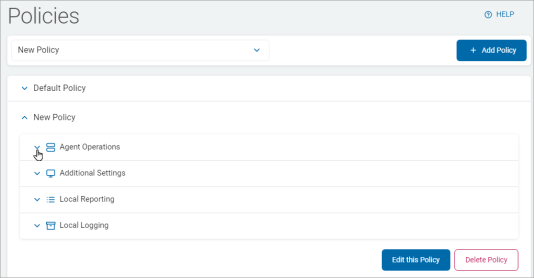
- Agent Operations
- Additional Options
- Additional Settings
- Basic Options
- Advanced Options
- Local Reporting
- Local Logging
- Basic Options
- Advanced Options