
How to Manage a Target Permission
How to Manage a Target Permission
Procedure:
- From the left side navigation menu select Data Asset Inventory > Data Assets and Targets.
- Select the TARGETS tab from the top of the page.
- Locate the Target for which you want to manage permissions.
- On the far right of the row, click the more options menu.
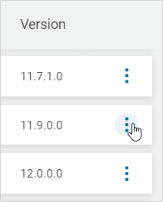
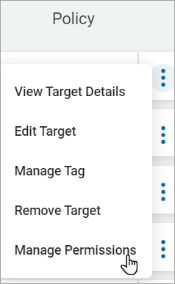
- Click Manage Permissions.
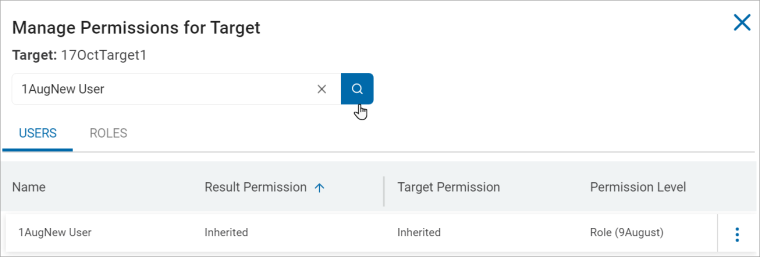
- In the Manage Permissions for Target window, search the user or user role for which to manage the Target's permission.
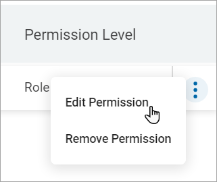
- From the more options menu, click Edit Permission to edit the Target's permission for user or user role.
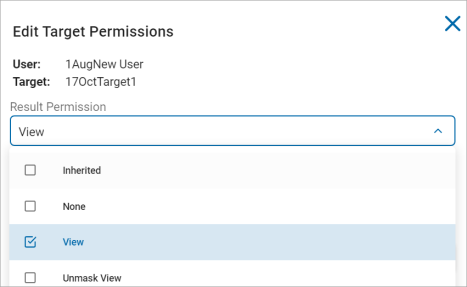
- On the Edit Target Permissions window, select any of the following options from the Result Permission drop-down list.
- Inherited
- None
- View
- Unmask view
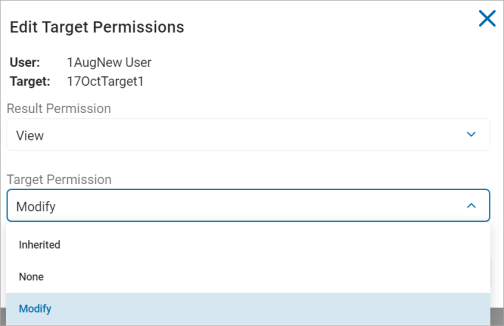
- Select any of these options from the Result Permission drop-down list.
- Inherited
- None
- Modify
- Select Modify under the Target Permission drop-down list.
- Click Confirm to save or Cancel to discard.