How to Manage Classifications for a Playbook
Note: Classifications for files that are MPIP-protected do not show in Microsoft Windows File Explorer.
How to Manage Classification for a Scan Playbook
To manage classifications for a scan playbook use the following steps:
- Navigate to the Scan Playbooks page (Scans > Scan Playbooks).
- Locate a playbook in the table.
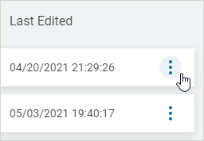
- In the far right column of the Playbook, click the ellipse menu.
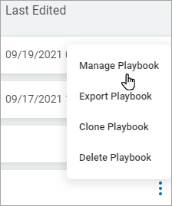
- Click Manage Playbook.
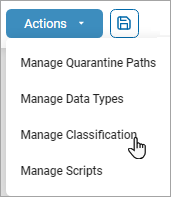
- Click Actions and then Manage Classification.
- Access Global Classifications for further information on Classifications.