
How to Bulk Assign Watcher Policy
How to Bulk Assign Watcher Policy
Use the following steps to assign a watcher policy on more than one Agent (note that an Agent can be both an Agent and a Target) at once:
- On the Agent Management screen, select the Agents you want to assign the new policy to.
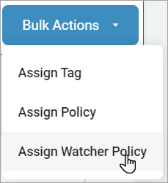
- In the top right of the screen, click Bulk Actions.
- Click Assign Watcher Policy.
- In the Bulk Assign Watcher Policy pop-up window, select the policy you want to assign to the Agent(s) listed.
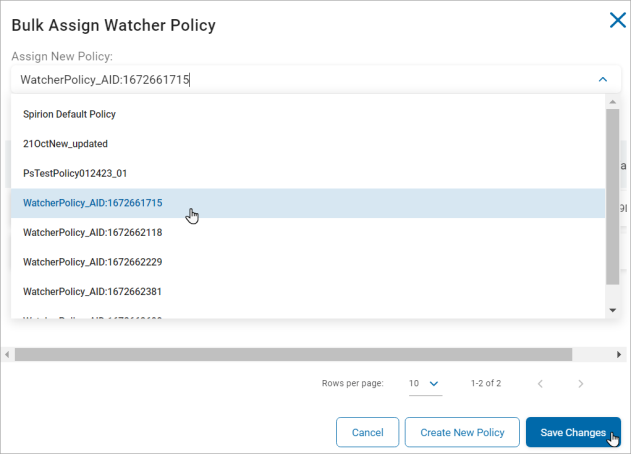
- Click Save Changes to assign the policy or click Create new Policy to create a new policy on Activity Watcher Policy screen or Cancel to discard.
- See Working with Activity Watchers Policies for more information on adding/creating a Watcher policy.
- A confirmation alert appears in the bottom left of your screen.